The Galley blog
Finishing a book is a thousand small decisions. These posts help understand more about them.
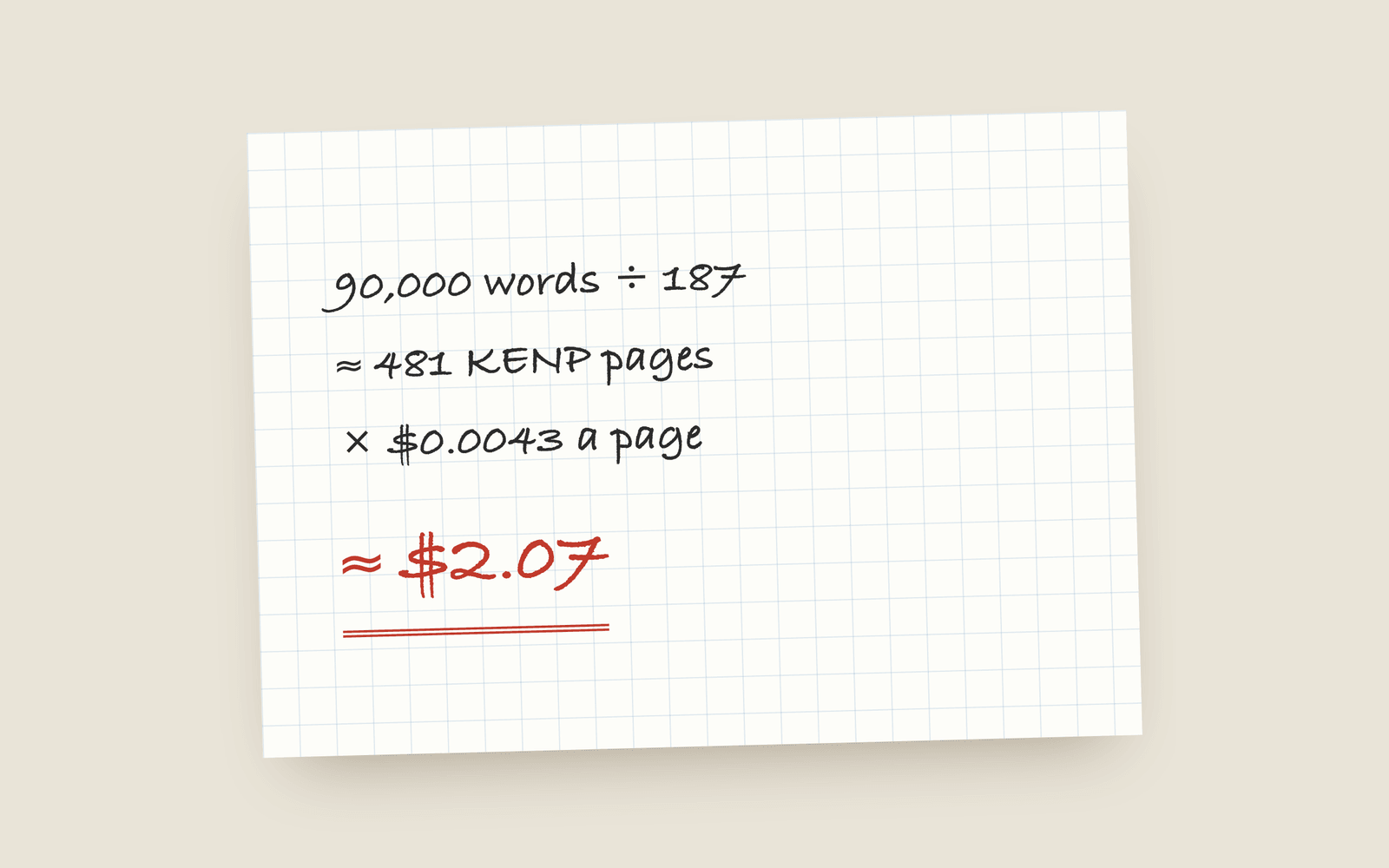 Publishing Kindle Unlimited Page Reads: How KENP Pays How Kindle Unlimited pays authors through KENP page reads, roughly what a page is worth, how many KENP pages your novel is, and when a borrow beats a sale.
 -
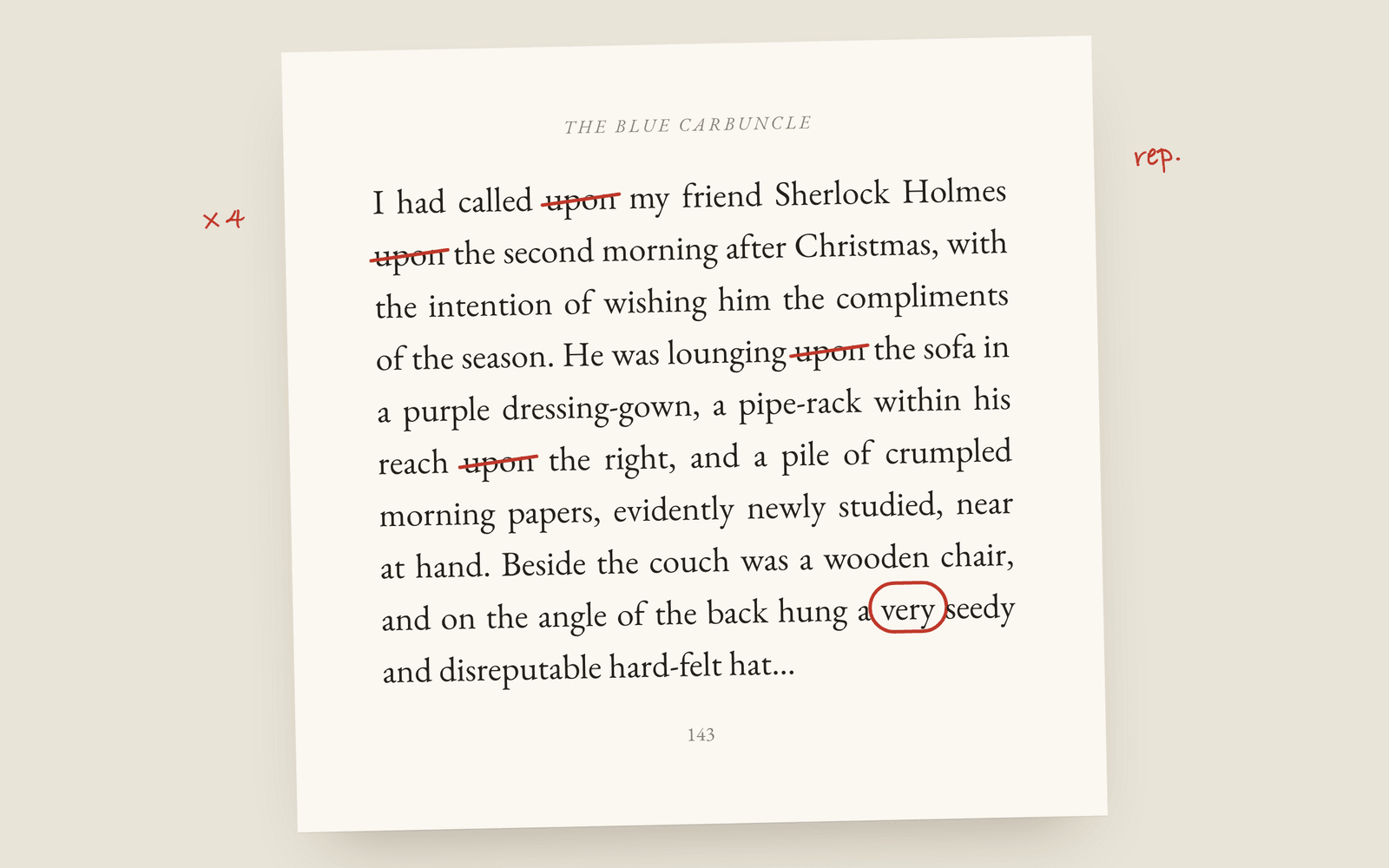 Craft Conan Doyle Used “Upon” 465 Times: Overused Words in Fiction The filler words fiction editors cut first, real counts from The Adventures of Sherlock Holmes, and how to find your own habits without reading the whole draft again.
 -
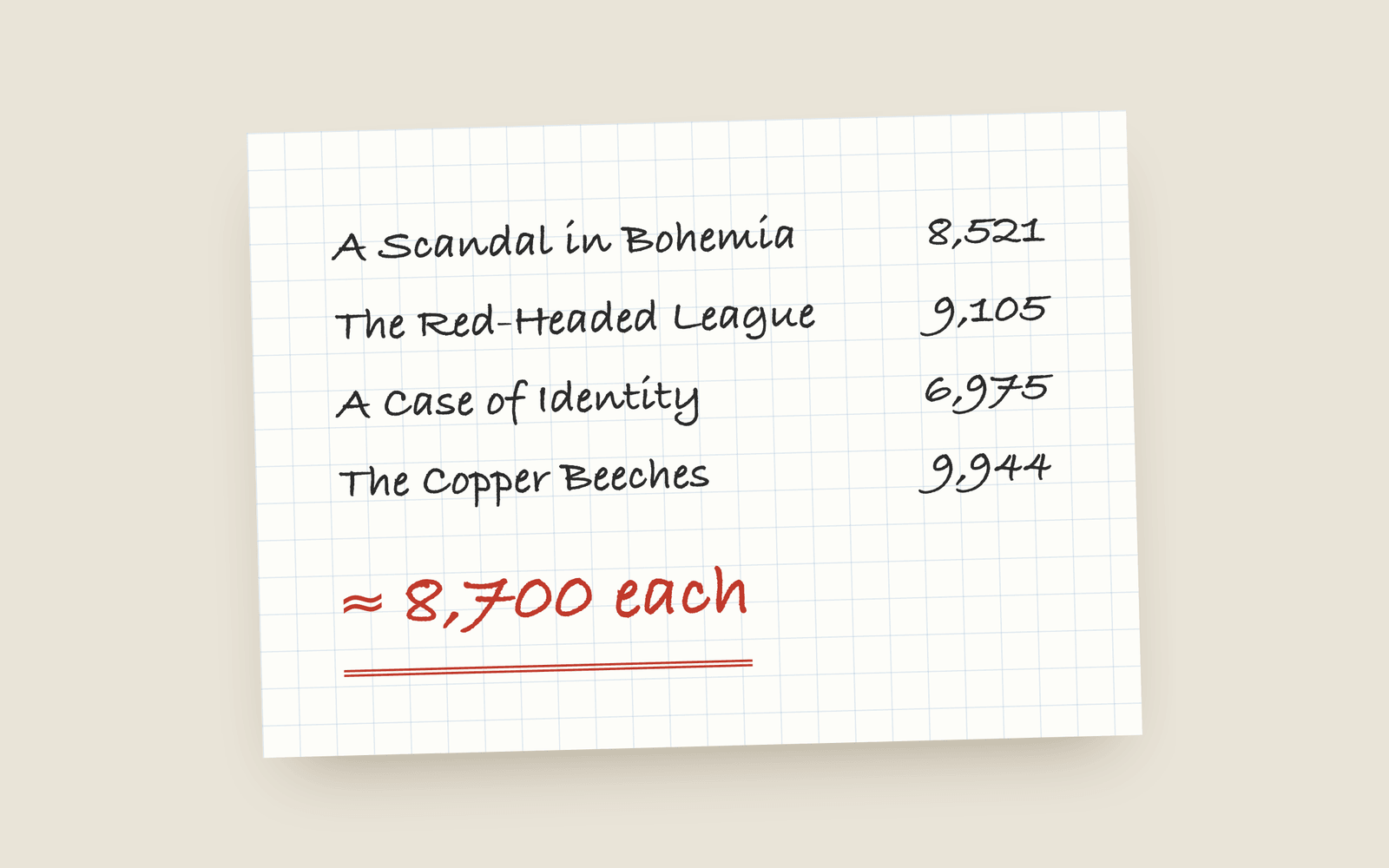 Craft How Many Words Should a Chapter Be? Typical chapter lengths in novels by genre, why there's no rule, and how to tell whether one of your chapters is too long or too short for the book around it.
 -
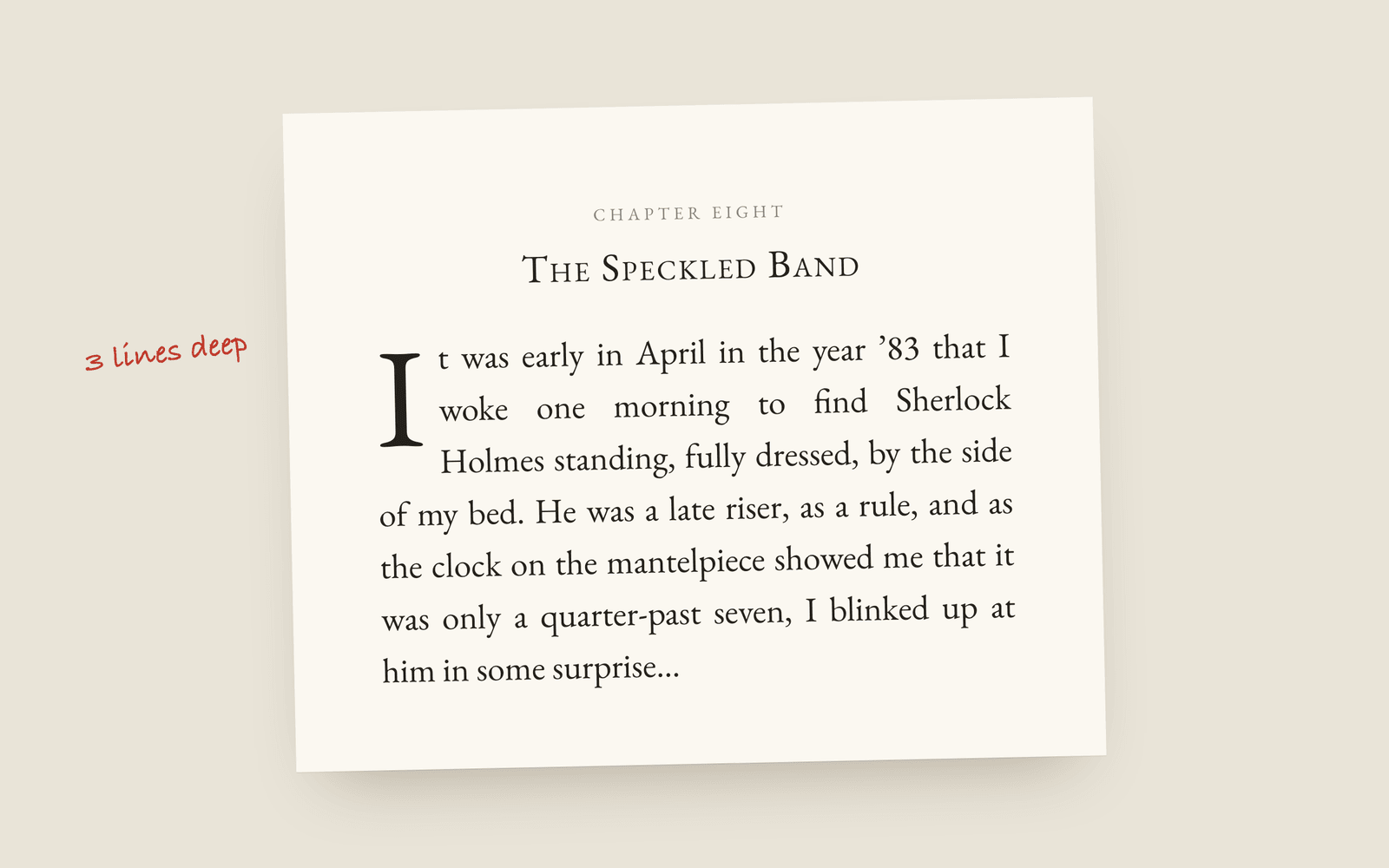 Design Drop Caps and Small Caps: How a Chapter Opens in a Printed Novel The ways a novel's chapter can open: no indent, a drop cap, the first words in small capitals, and the conventions that make each one look right.
 -
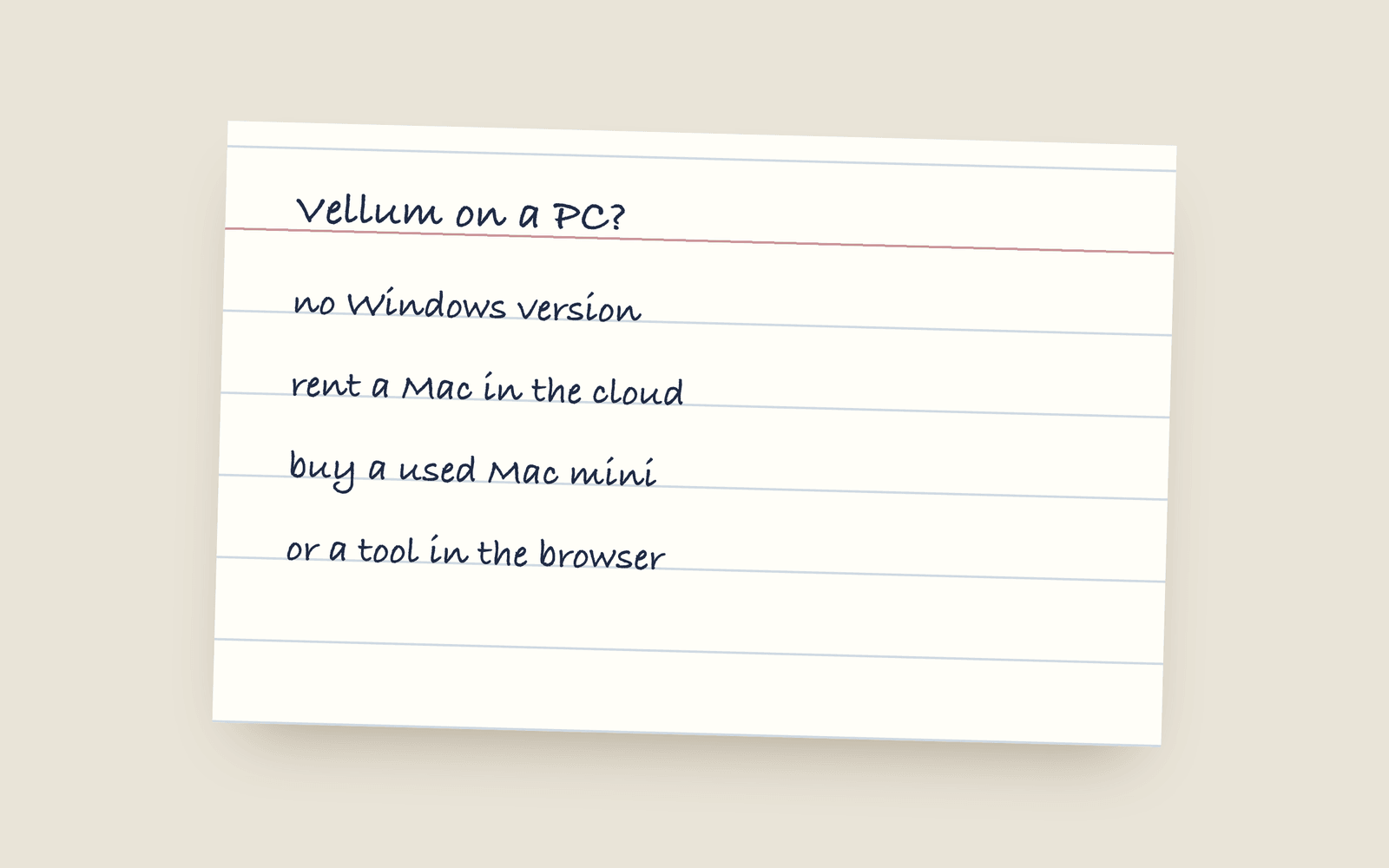 Guides Vellum on Windows: Your Actual Options Vellum only runs on a Mac and its makers have said that won't change. Here are the real options if you're on Windows: renting a Mac, buying a cheap one, or using a formatting tool that runs anywhere.
 -
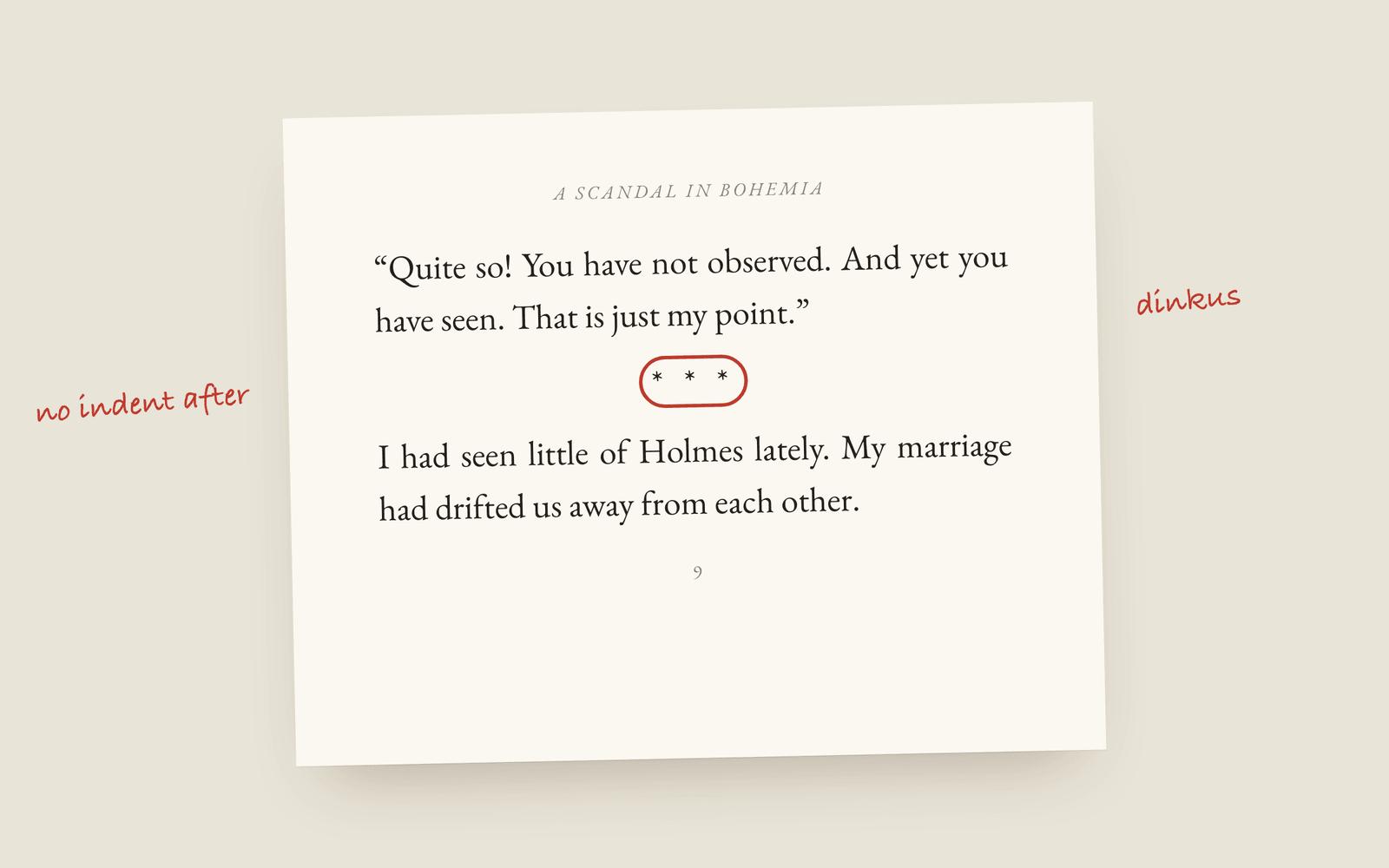 Formatting What Is a Dinkus? Scene Breaks in a Printed Novel What a dinkus is, the other marks novels use for a scene break, and why a blank line on its own goes wrong at the bottom of a printed page.
 -
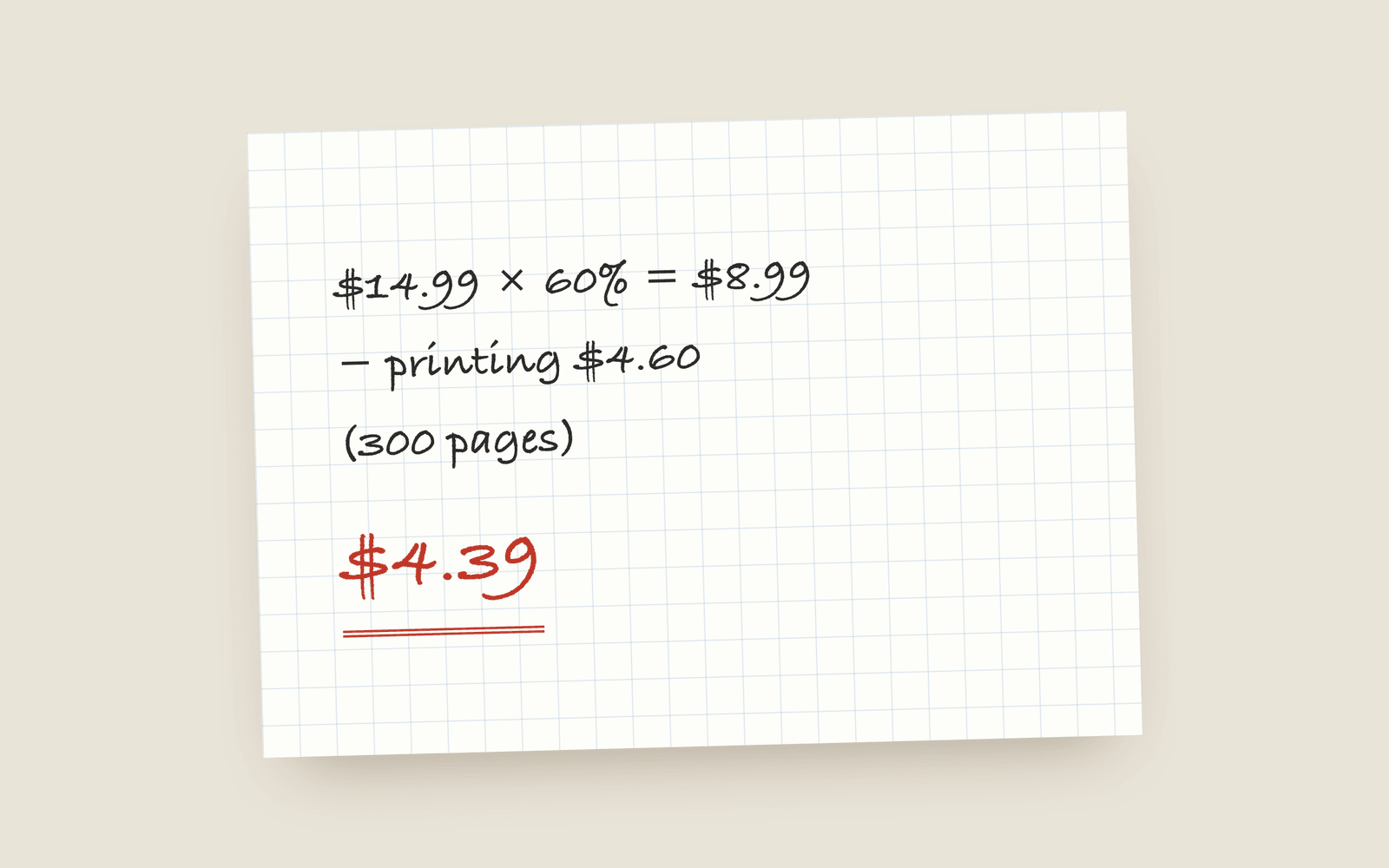 Publishing KDP Royalties Explained: 35%, 70% and the Paperback Maths How Amazon KDP pays for ebooks and paperbacks: the 35% and 70% ebook bands, the delivery fee, the paperback royalty and printing cost, and worked examples for a typical novel.
 -
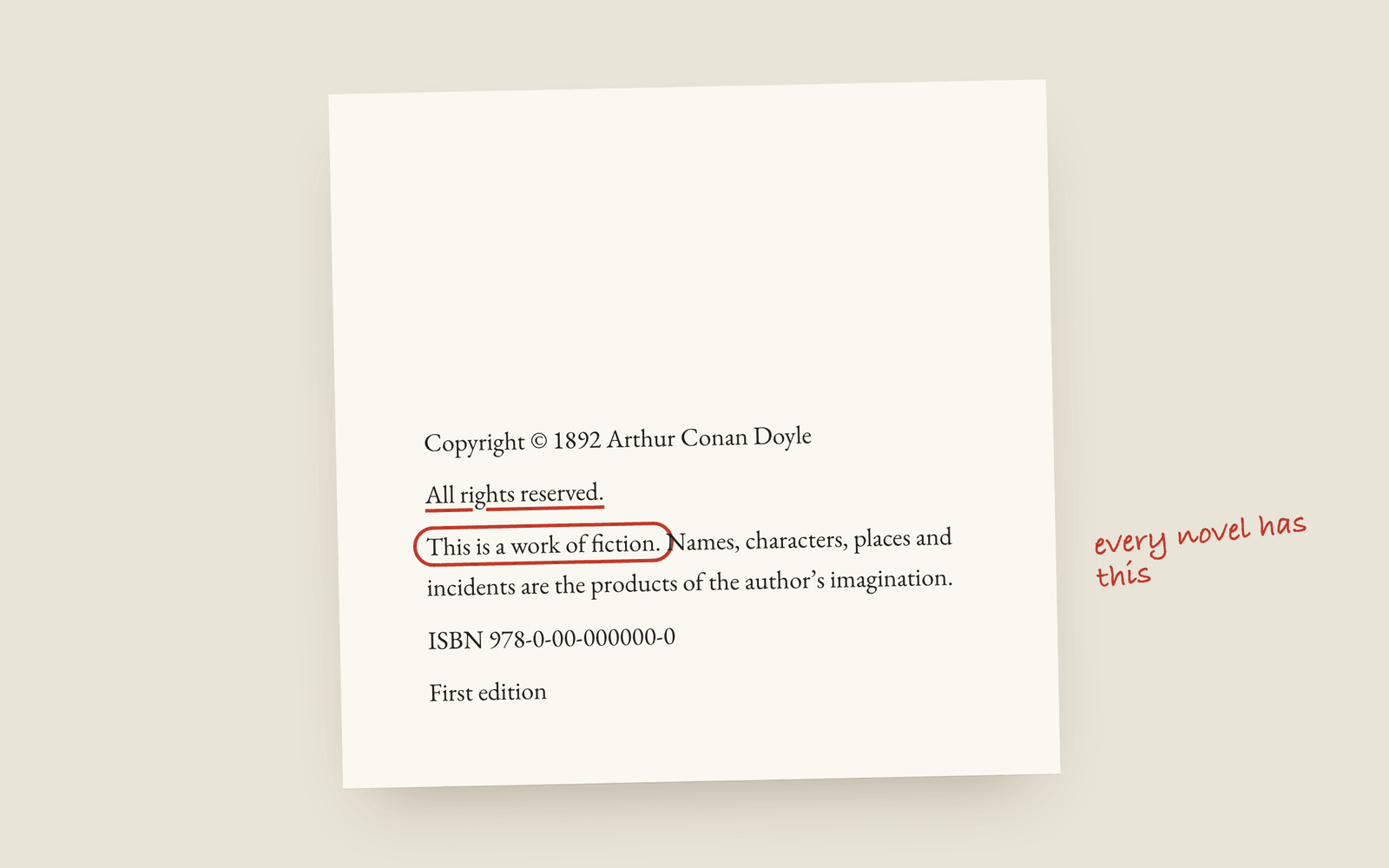 Publishing The Copyright Page for a Novel, Line by Line What goes on the copyright page of a self-published novel, which lines are required, which are habit, and the wording most novels use.
 -
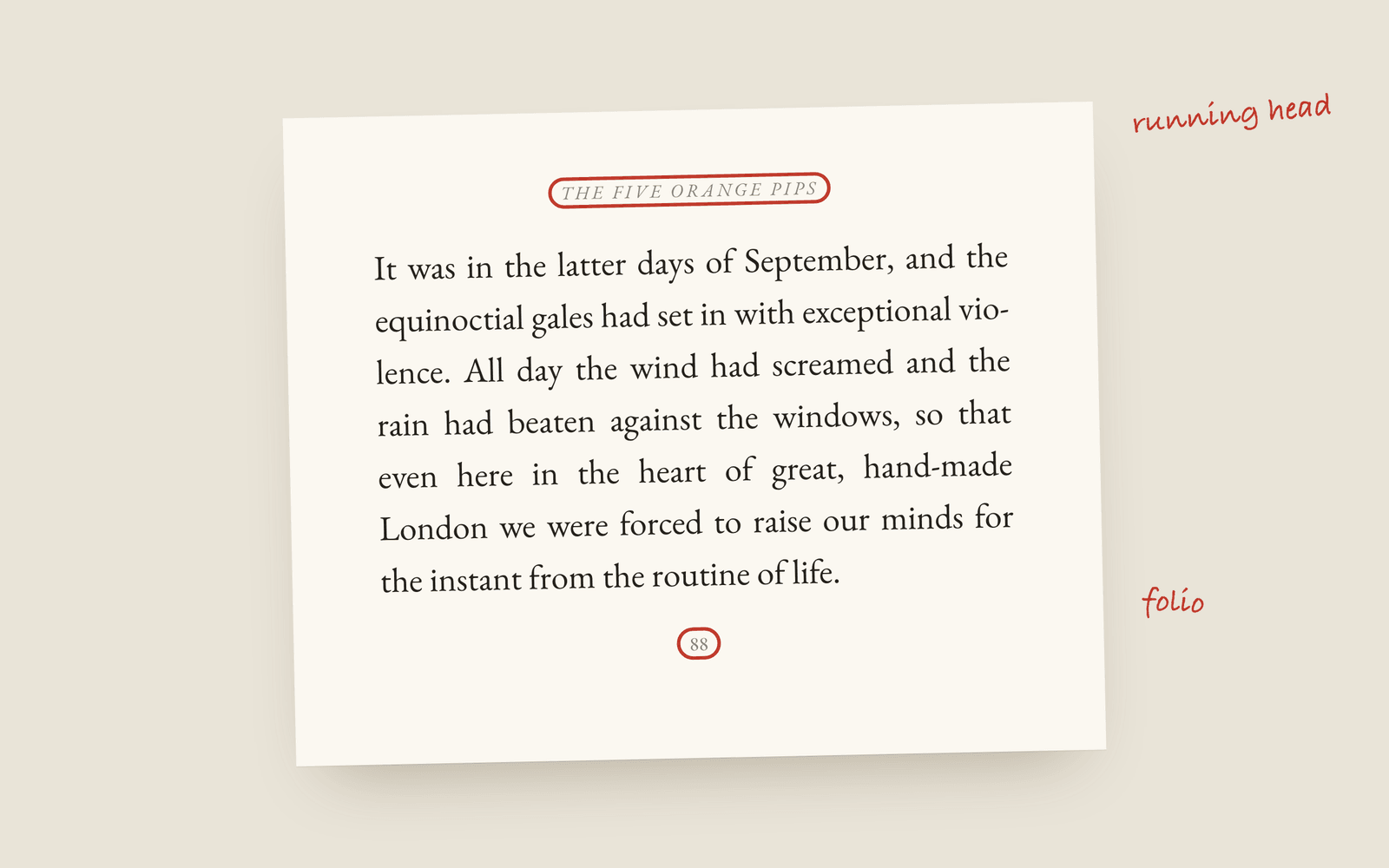 Formatting Running Heads and Folios: The Top and Bottom of a Book Page What goes in the running head of a novel, where the page numbers sit, and the pages that should carry neither.
 -
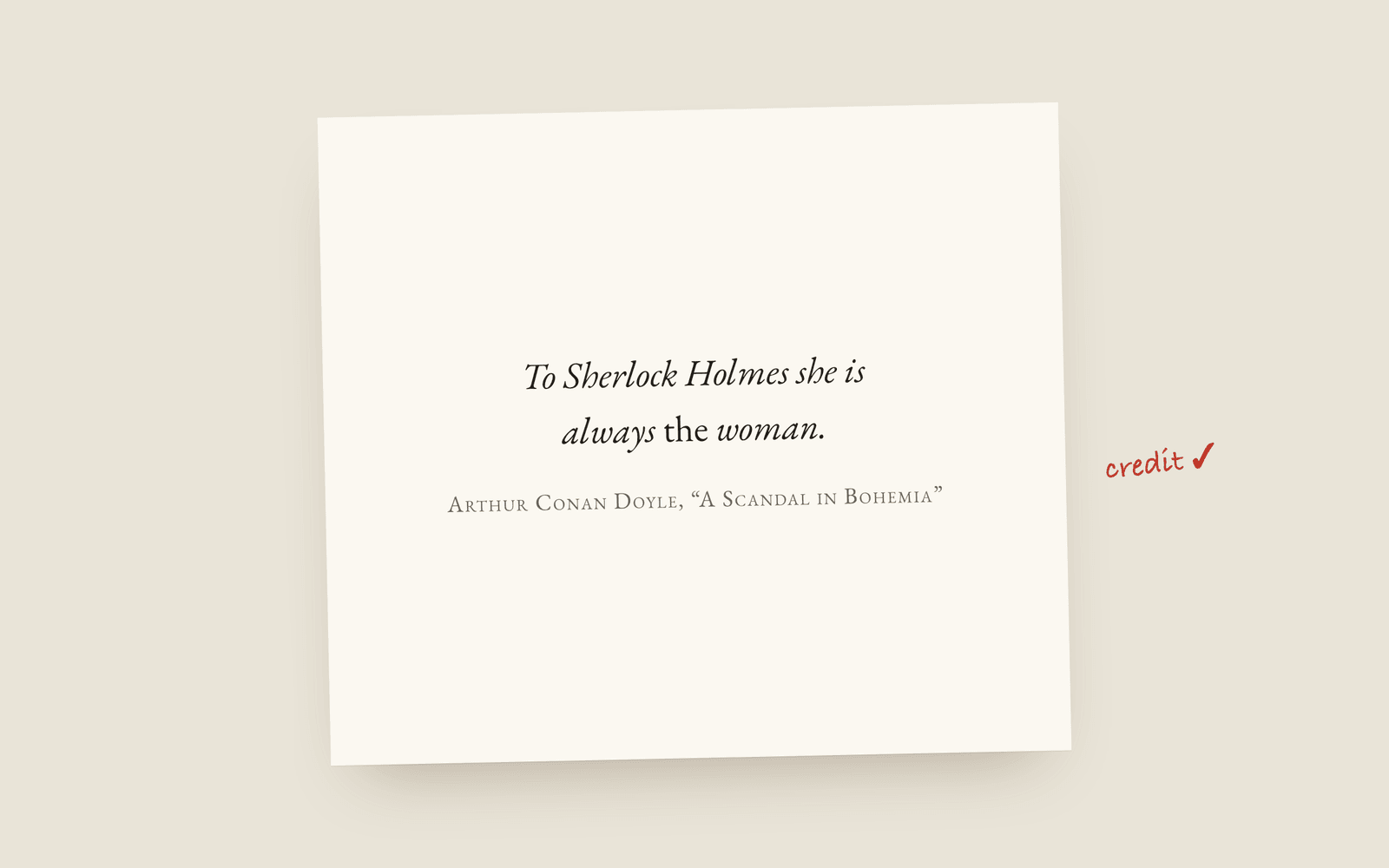 Publishing How to Credit Quoted Material in a Book How to credit an epigraph, a quoted poem or lyric, and a passage from another book in your novel, where the credit goes, and why you should use the rights holder's exact wording.
 -
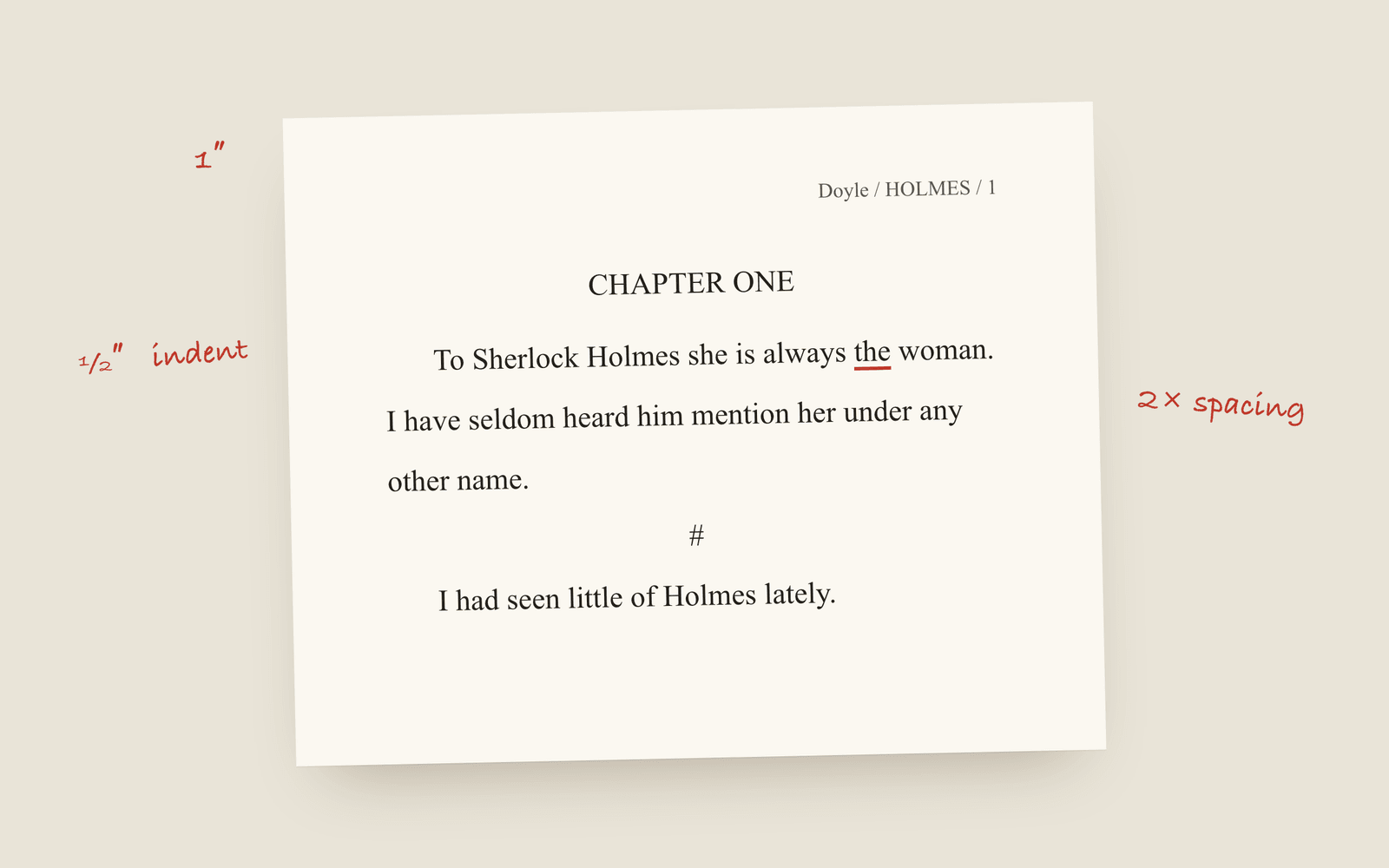 Publishing Standard Manuscript Format, and What Agents Actually Check The Shunn manuscript format specification in plain terms: font, spacing, margins, indents, scene breaks, the running header, and the word count that should be rounded.
 -
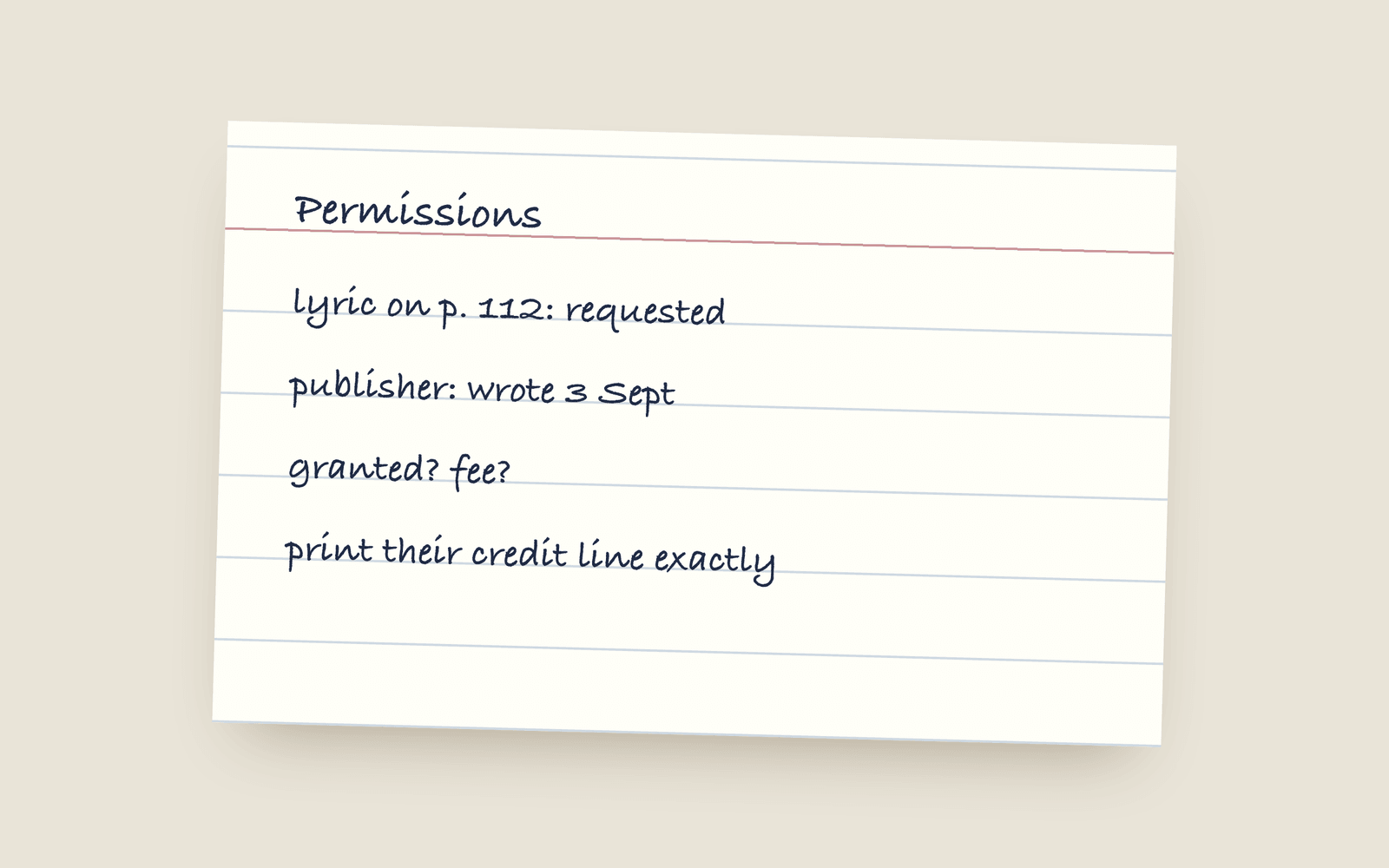 Publishing Can You Quote Song Lyrics in a Novel? Whether you can quote song lyrics in a novel without permission, what fair use does and doesn't cover, what's in the public domain, and how to ask a music publisher.
 -
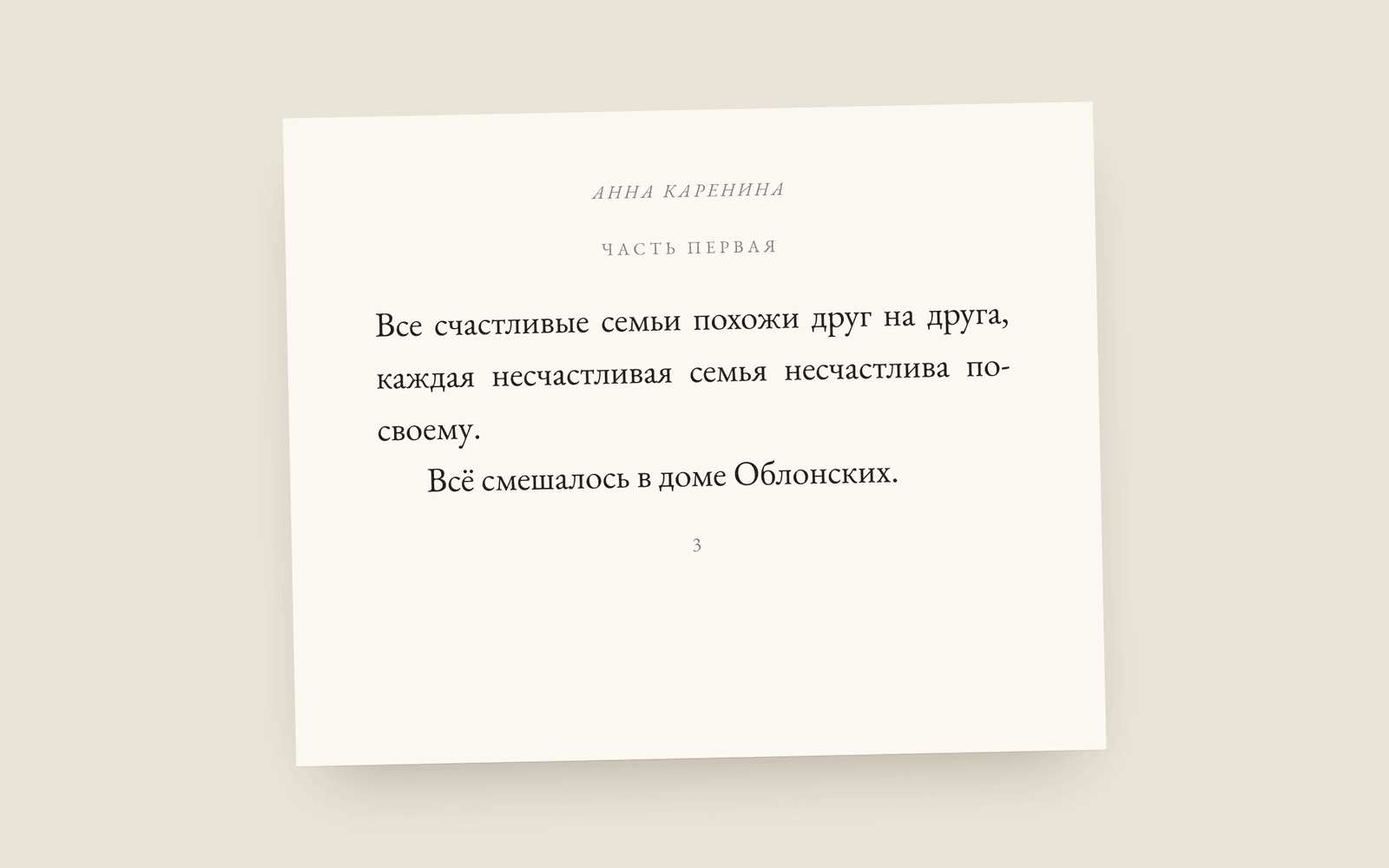 Design Writing Software for Novelists Who Don't Write in English How to write and typeset a book in Arabic, Persian, Urdu, Hebrew, Hindi, Bengali, Thai, Japanese, Chinese, Korean, Russian, Greek or Vietnamese, which typeface each script gets, and what still needs building.