Galley
8 posts on galley, newest first.
-
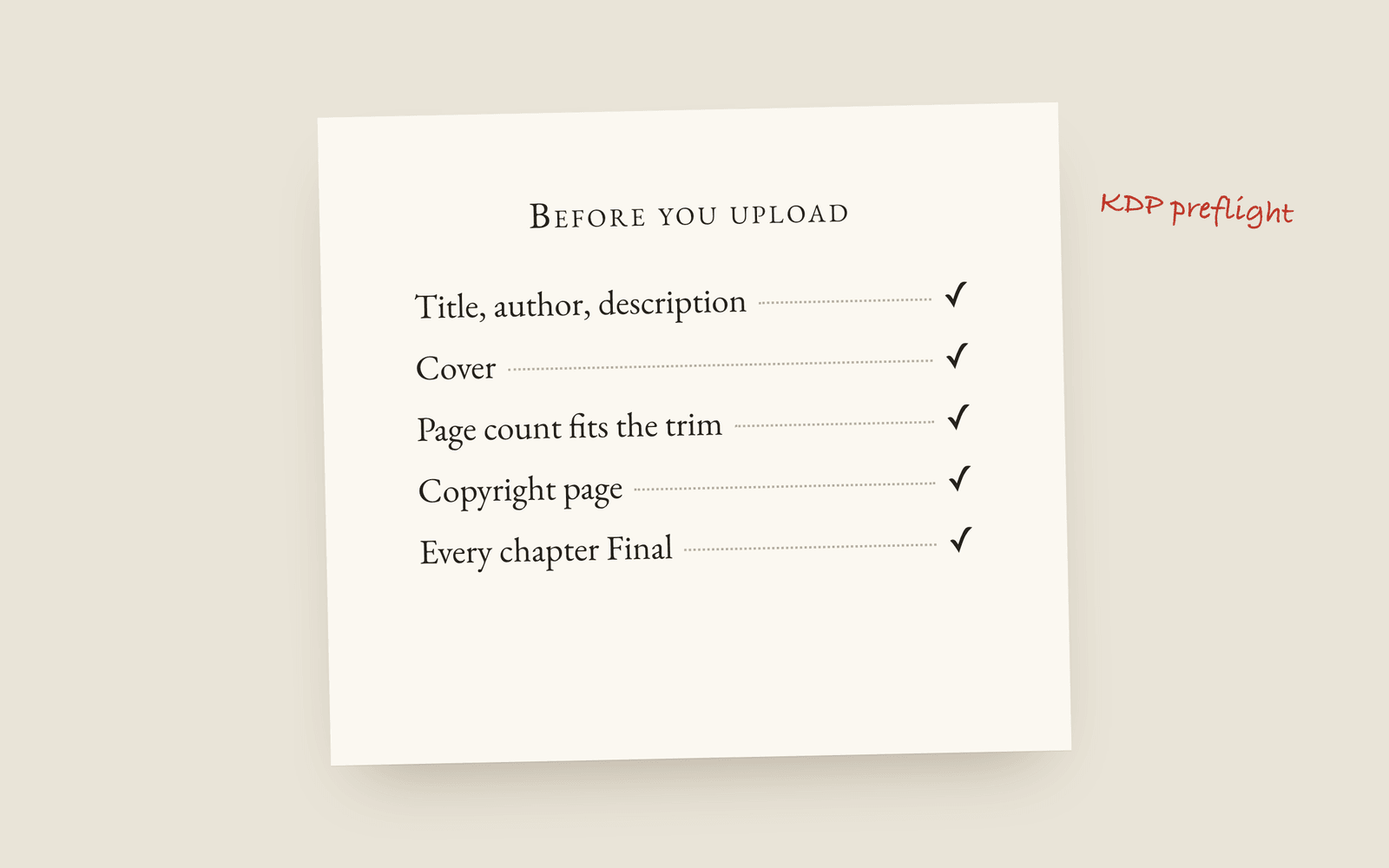 Publishing Galley for Self-Publishing What self-publishing a novel in Galley involves: a print-ready interior PDF, a valid EPUB, a tuned file per store, and two checks that run before you upload to KDP.
 -
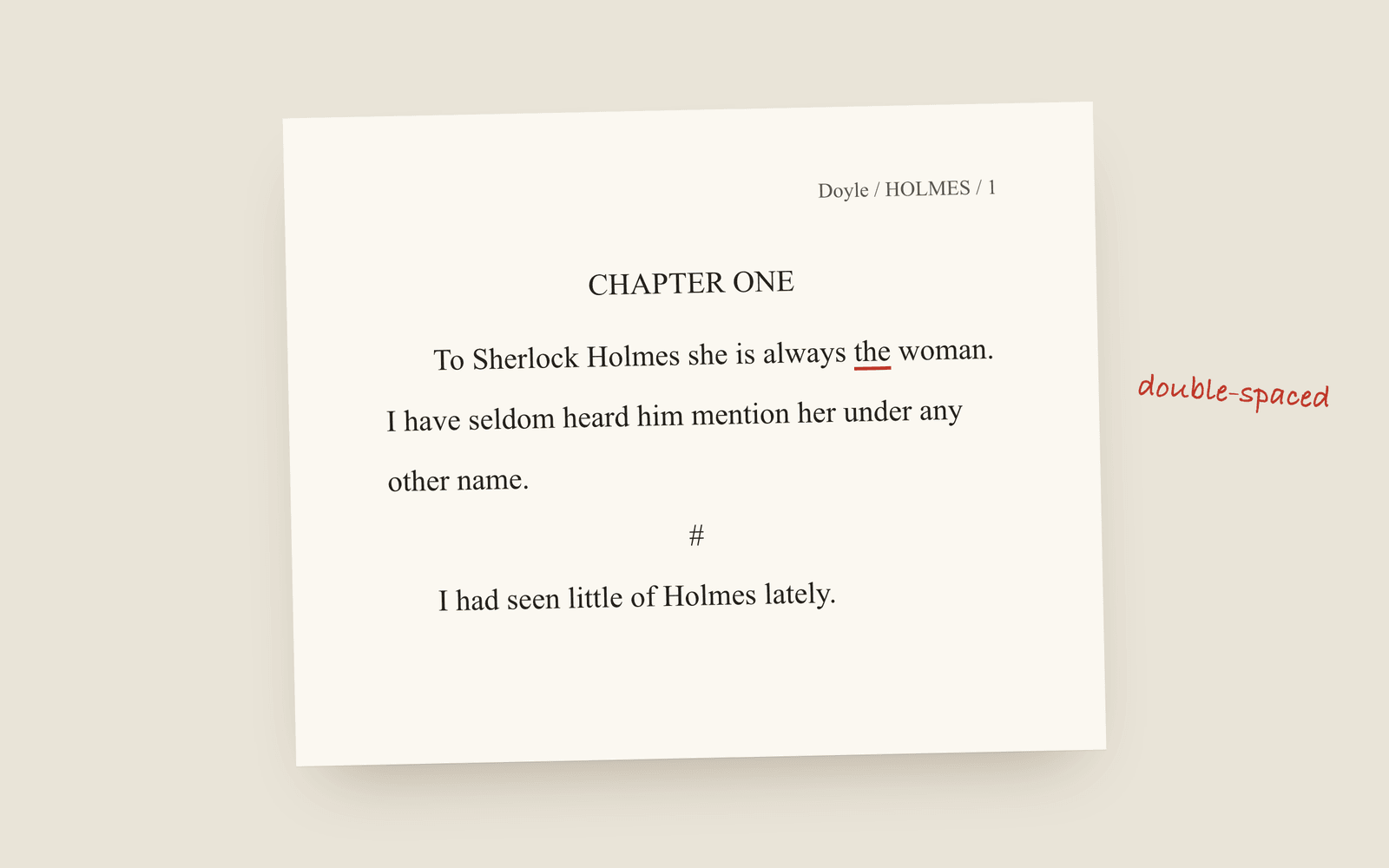 Publishing Galley for Traditional Publishing Querying agents or working with an editor: standard manuscript format, the submission package, watermarked beta drafts, and getting an editor's Word comments back where they belong.
 -
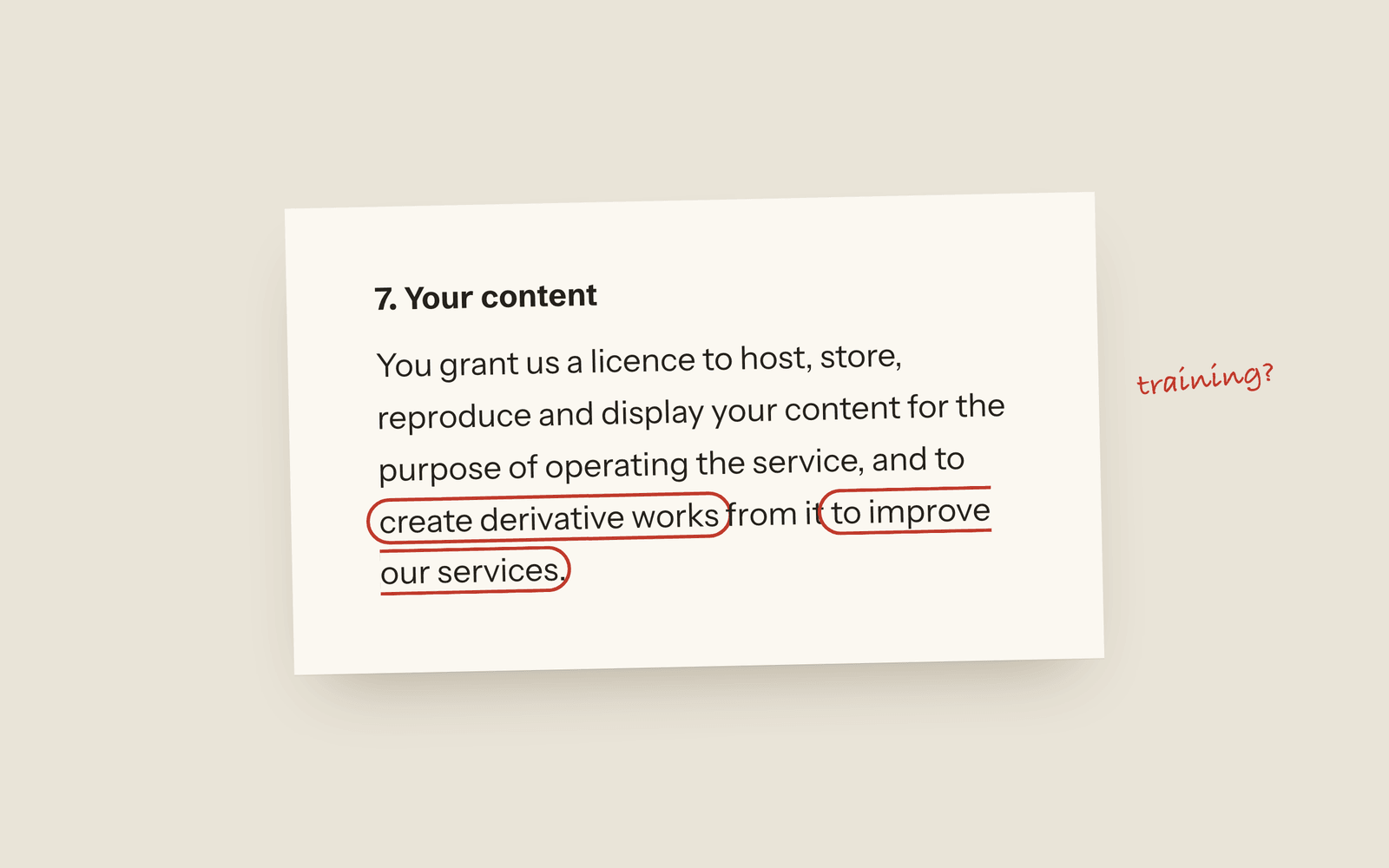 Galley Is Your Writing Being Used to Train AI? How to find out what your writing app is allowed to do with your manuscript: the licence grant, the improve-our-services clause, the sub-processor list, and what no hosted tool can honestly promise.
 -
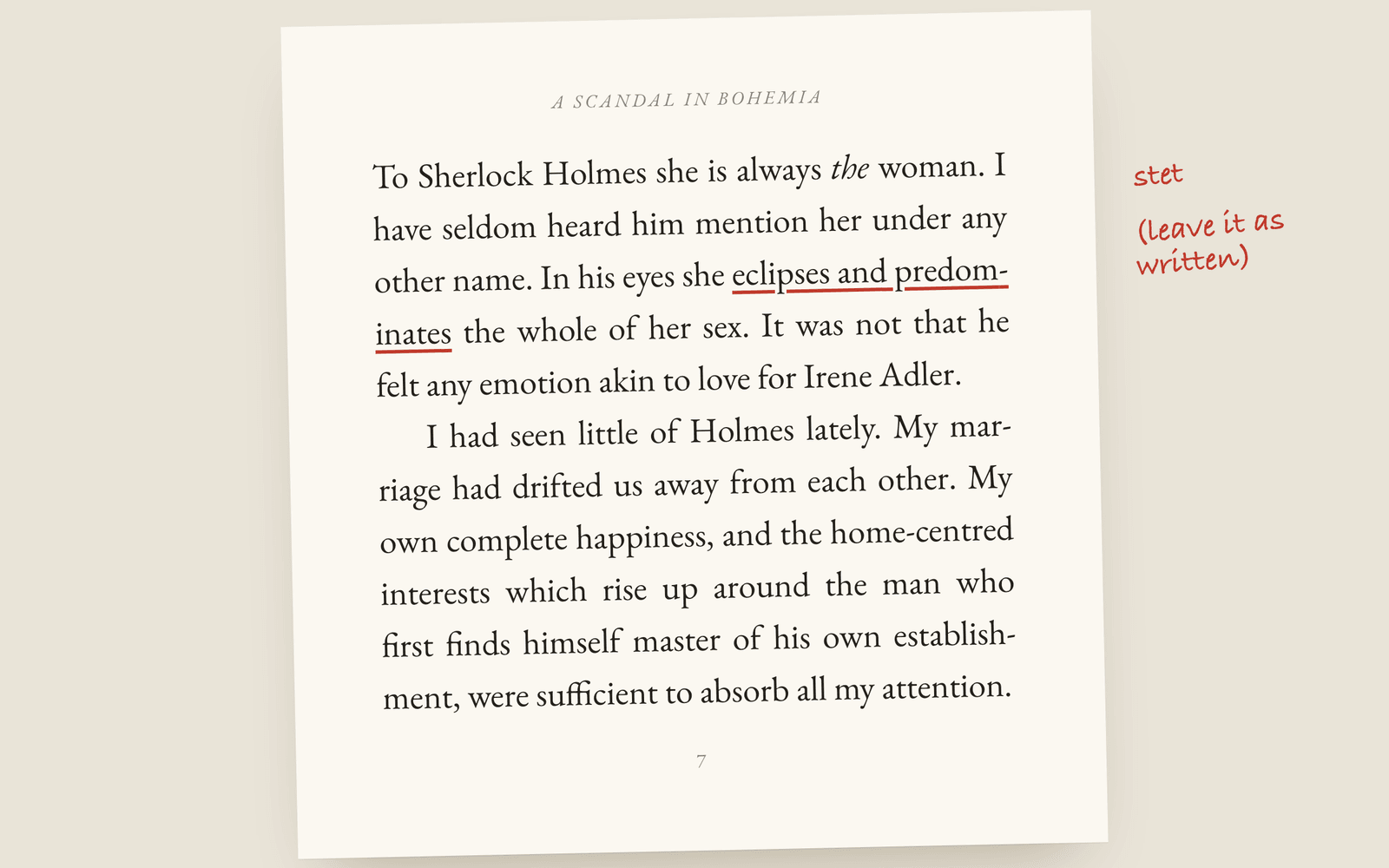 Galley Why Galley Will Never Put AI in Your Prose AI writing tools are everywhere. Galley has none in your manuscript: nothing that writes, rewrites or suggests, and nothing trained on your words. Here's why.
 -
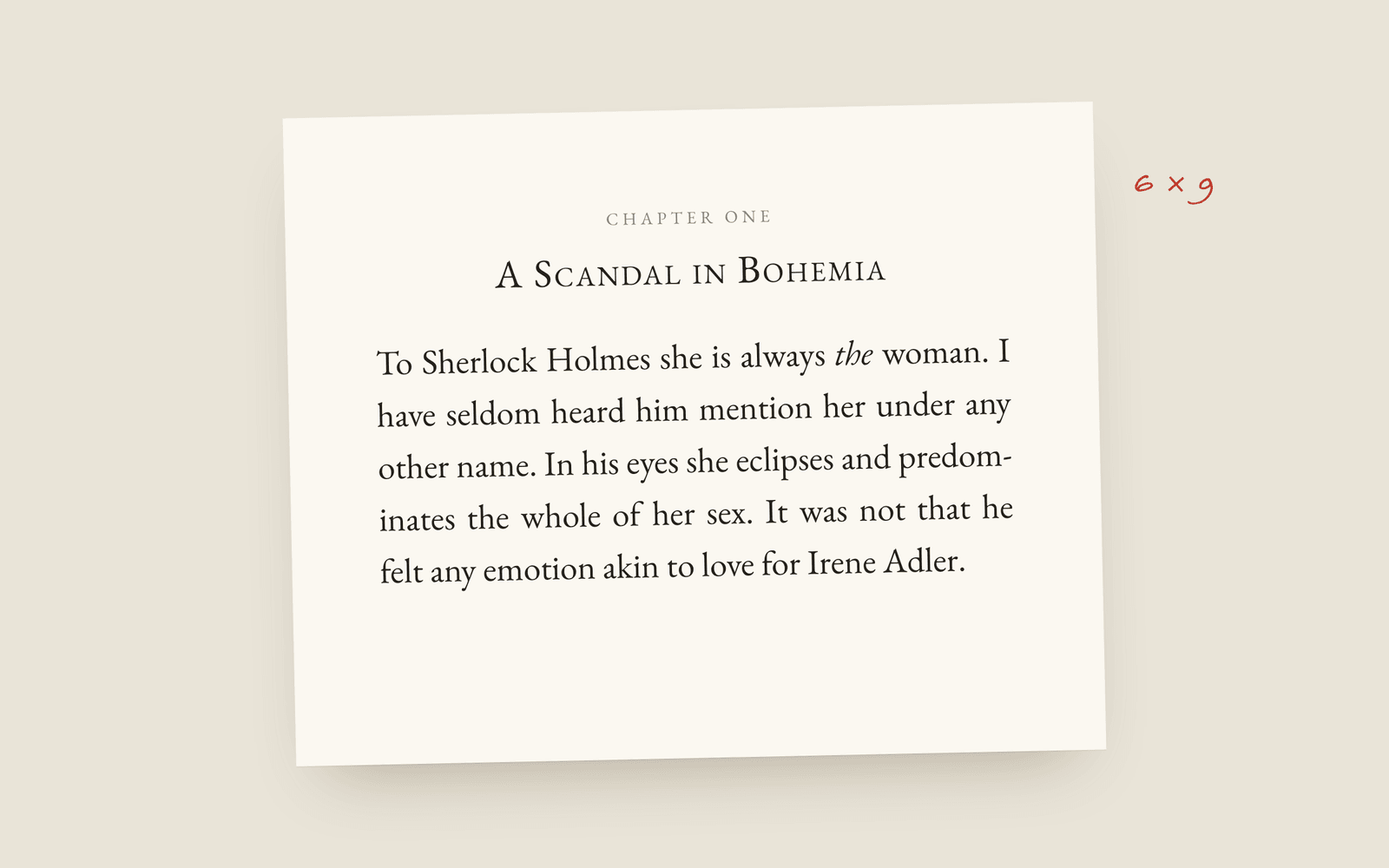 Galley What You See Is What Prints: Writing on the Real Book Page Most writing apps show you a text box and only show the book at export. Galley shows the finished page (trim, typeface, chapter openings, scene breaks) while you write.
 -
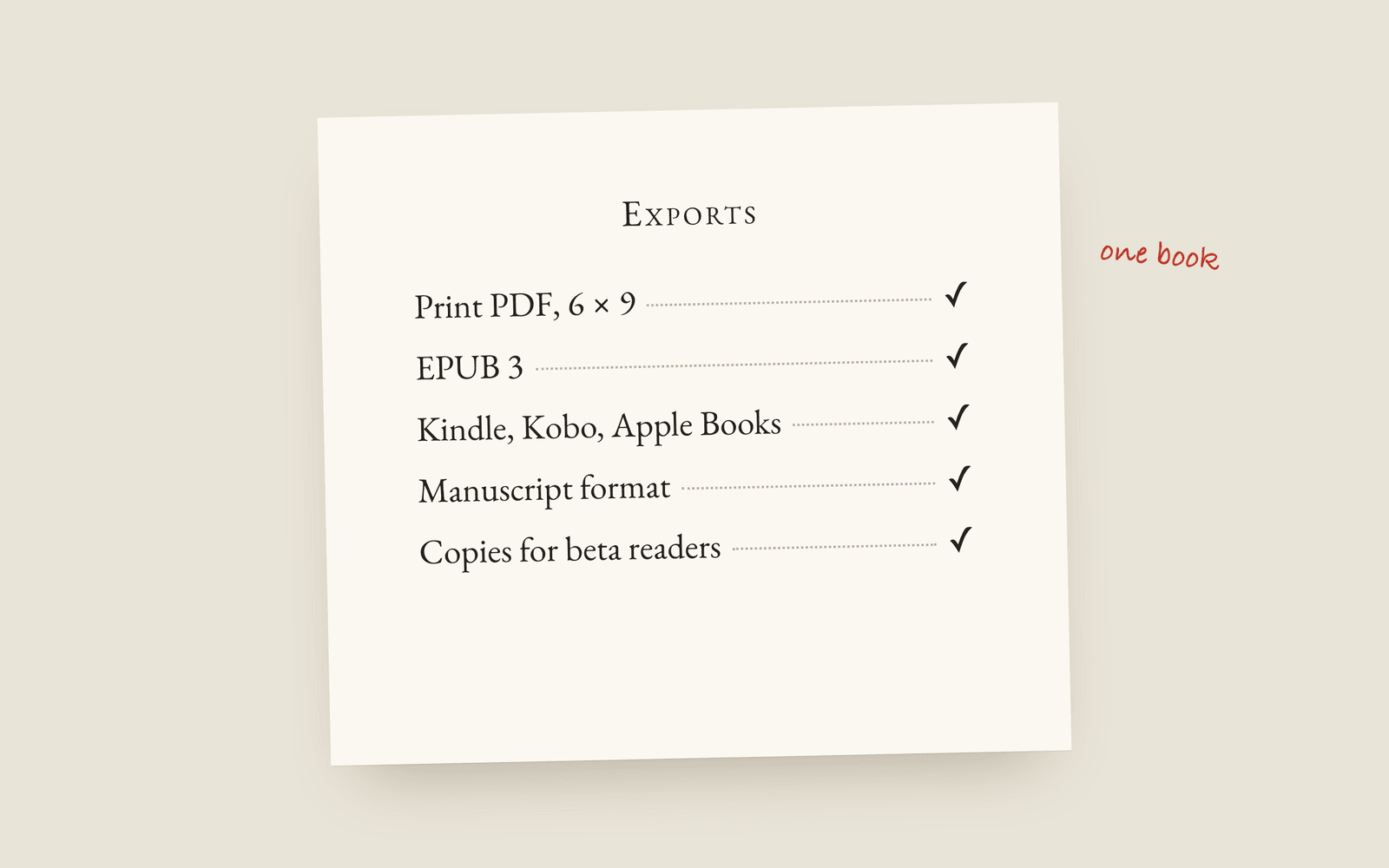 Galley From Manuscript to Published Book, Without Leaving One Tool Making the print PDF, the EPUB, beta-reader copies and a submission package usually means a second tool or a freelancer. In Galley it's one menu on the book you wrote.
 -
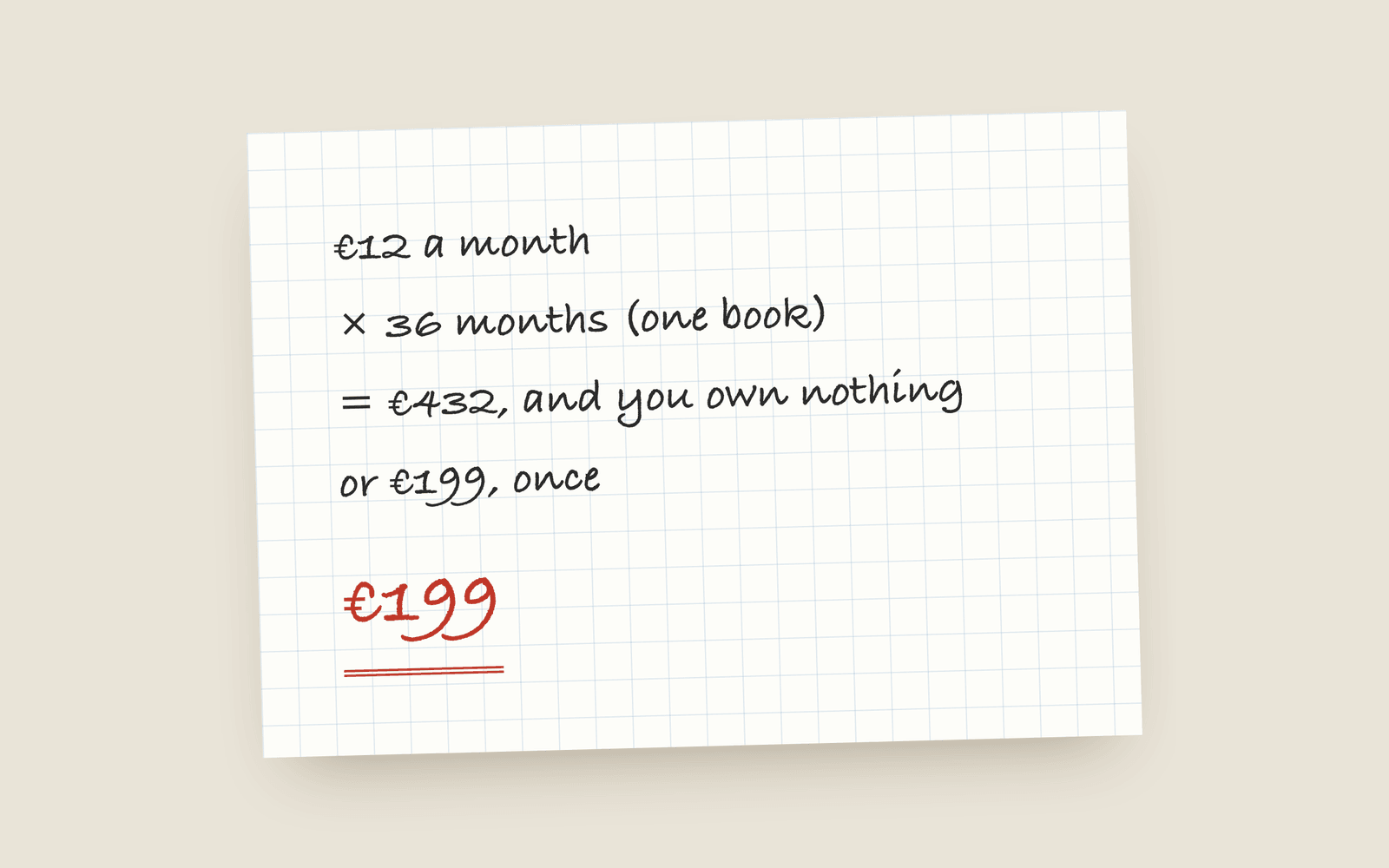 Galley Why Galley Is Buy-Once, Not a Subscription Most writing tools rent by the month now. Galley is €199, paid once, with every feature and every future update included. Here's why, and the maths.
 -
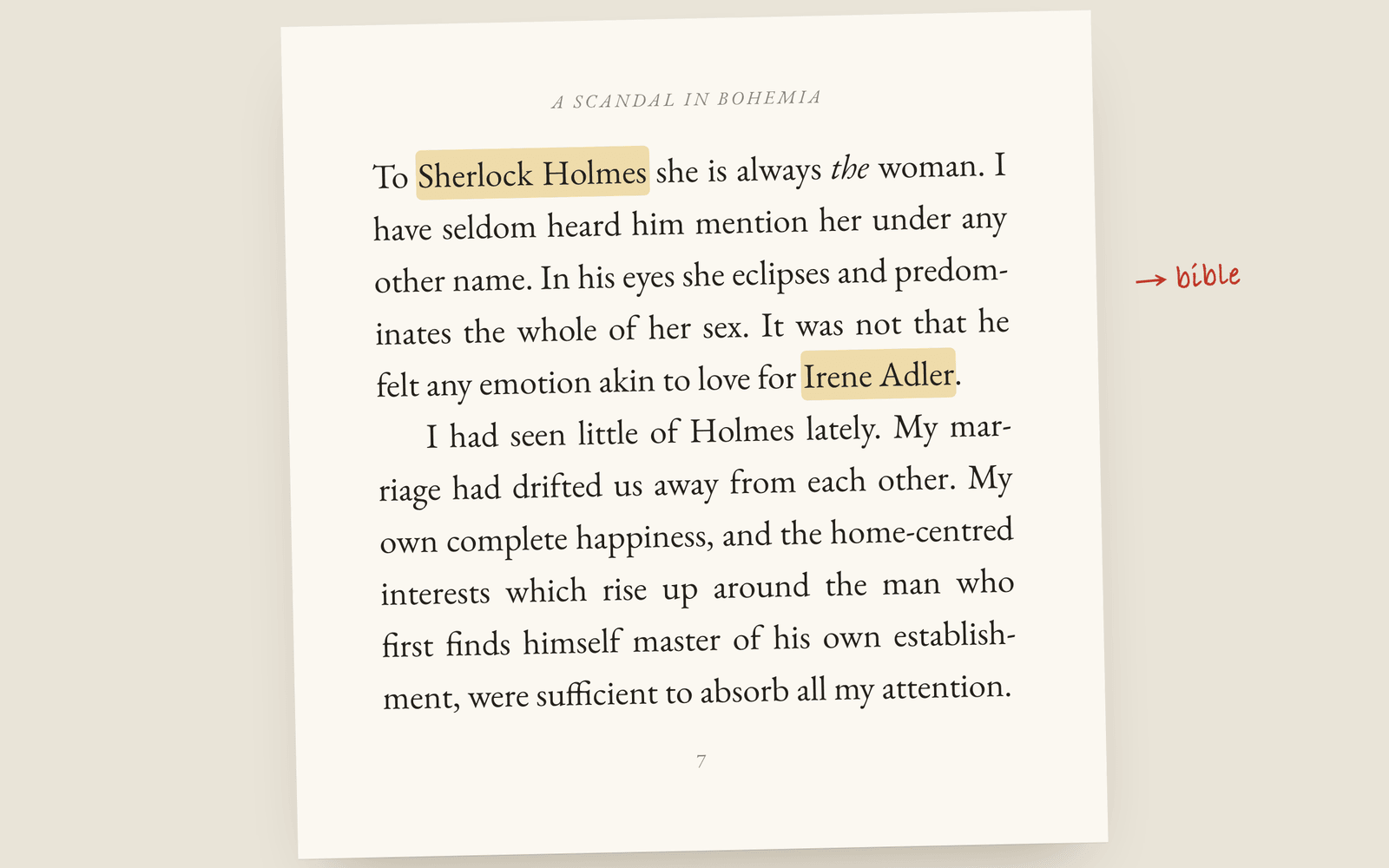 Galley Keep the Story Bible Beside Your Manuscript, Not in Another App A story bible only works if you keep it up to date, and one in a separate app is one you forget. Galley's is a set of tabs on the book, a keystroke away from the prose.