From Manuscript to Published Book, Without Leaving One Tool
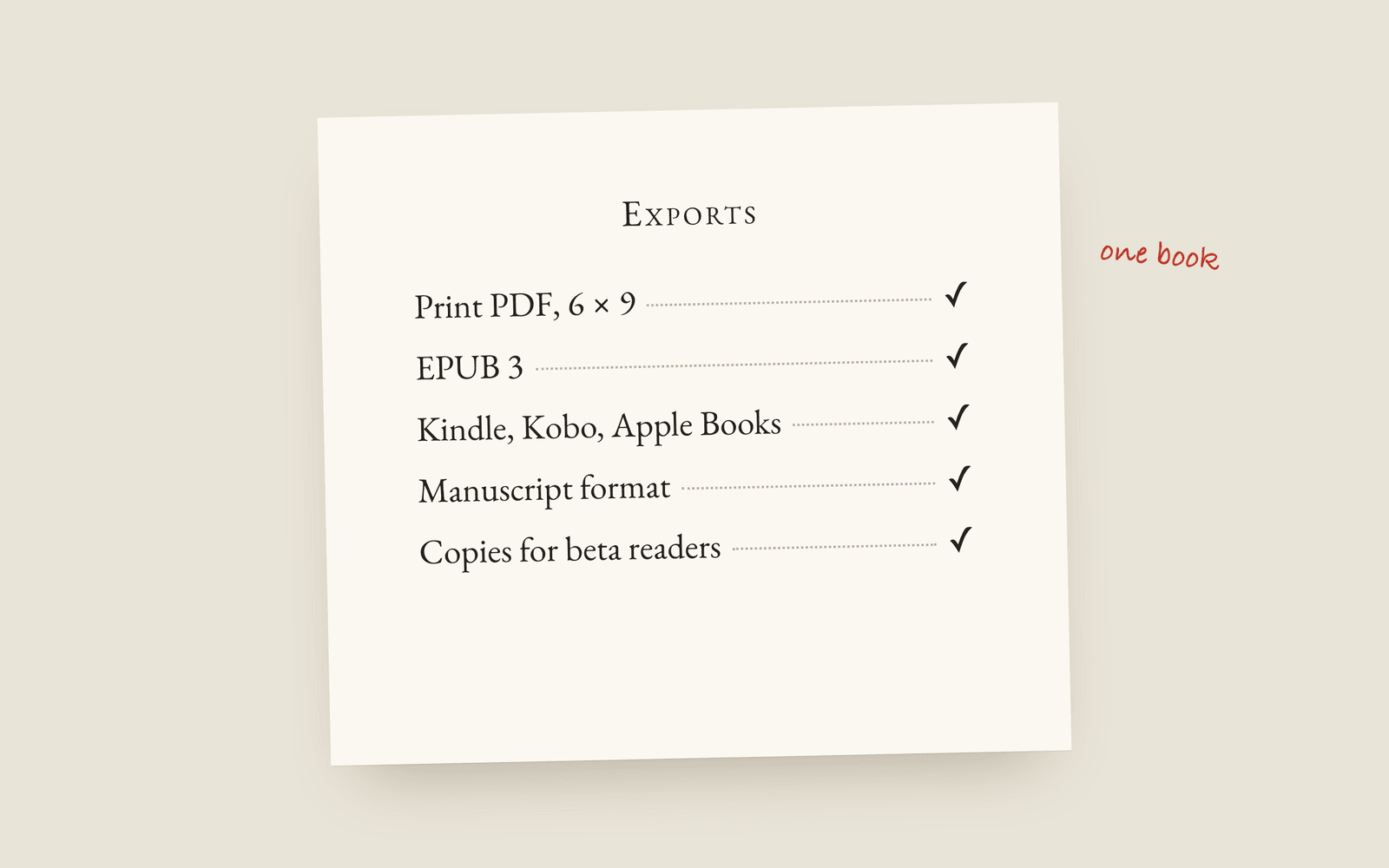
Writing the novel is half the job. Turning it into files that stores and printers accept is the other half, and it's where most authors lose a week or pay someone. Galley's Toolkit makes them all from the same book: a print-interior PDF, EPUB 3 (plus versions for each store), Word and Markdown, a proofreading PDF, watermarked copies for beta readers, a submission package and a KDP preflight check.
You’ve finished the draft, so you’re about halfway there. The other half is turning the manuscript into files that stores and printers will accept, and that’s usually where a second app appears, or a freelancer, or a week you didn’t plan for. In Galley all of it is in one menu.
One book, every file
From the same manuscript, without reformatting anything, the Toolkit makes:
- A print-interior PDF. Mirrored margins, a proper gutter, sized to your trim. More on that in formatting a paperback for KDP.
- An EPUB 3 with your cover, and versions set up for Kindle, Apple Books, Kobo, Google Play and Nook. EPUB or print PDF explains which you need.
- Word and Markdown. For an editor, or for your own backups.
- A manuscript-format Word file. Double-spaced, 12pt Times, the way agents and editors ask for it.
- A proofreading PDF. Two pages to a sheet, so you can mark it up on paper.
- Copies for beta readers, one per reader, with their name watermarked on every page, as an EPUB, a PDF or a link. Send copies to beta readers has the steps.
- A submission package. A cover page, a synopsis, your bio and the first three chapters, in manuscript format. You write the synopsis in its own field on the Metadata page, and how to write a synopsis has the rules.
Each of those is normally its own job. Watermarking beta copies by hand, putting a submission package together, laying out a proofing PDF. Here they’re menu items on the book you already have.
Checked before you upload
KDP preflight checks the title, author, description, cover and page count against KDP’s rules before you export, so you find out at your desk rather than in a rejection email the next day. Delivery readiness is the other check: empty chapters, a missing copyright page, comments you never resolved, and quotes you haven’t cleared permission for. Neither stops you exporting. Both are in the publishing docs.
Why one tool
The alternative is going round in circles. You write in one app and format in another, and every typo you fix has to go through both, or the files drift apart. The paperback says one thing and the Kindle edition says another, and you find out from a reader.
In Galley there’s one book, and every file is made from it, so a fix in the manuscript is a fix in every format the next time you export.
More on galley
- Galley for Self-PublishingWhat self-publishing a novel in Galley involves: a print-ready interior PDF, a valid EPUB, a tuned file per store, and two checks that run before you upload to KDP.
- Galley for Traditional PublishingQuerying agents or working with an editor: standard manuscript format, the submission package, watermarked beta drafts, and getting an editor's Word comments back where they belong.
- Is Your Writing Being Used to Train AI?How to find out what your writing app is allowed to do with your manuscript: the licence grant, the improve-our-services clause, the sub-processor list, and what no hosted tool can honestly promise.