EPUB, Print PDF, or Both? The Files You Actually Need to Self-Publish
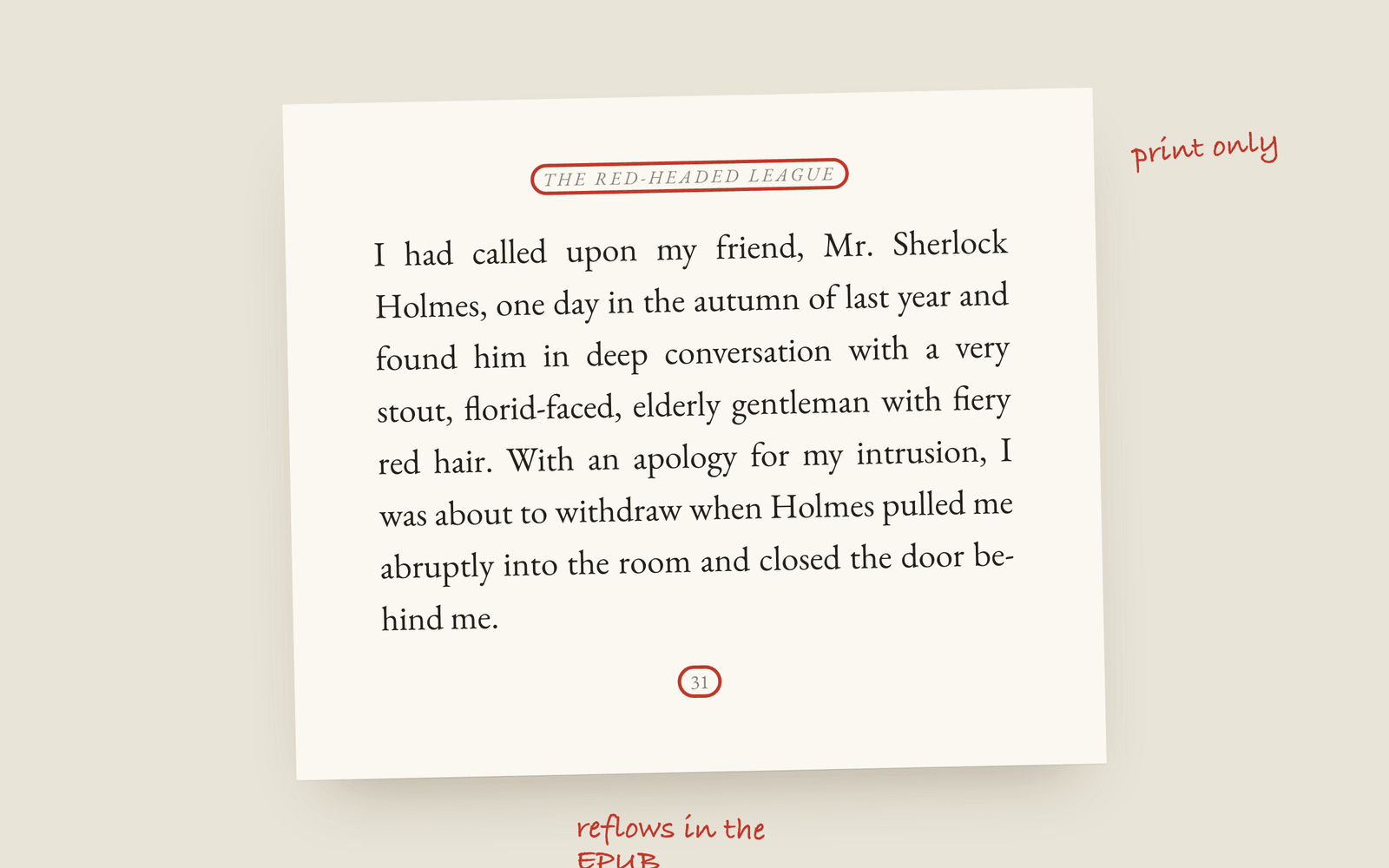
For a paperback you need a print-interior PDF, with fixed pages, mirrored margins and a gutter. For an ebook you need an EPUB, where the text reflows to fit any screen. Most authors need both. A Word file is for editors, not for the finished book. Trying to make one file do every job is where formatting goes wrong.
A paperback and an ebook are two different things, so they need two different files. A lot of formatting pain comes from trying to make one file do both jobs.
Print-interior PDF
A PDF is fixed. Every page is exactly where you put it. The margins mirror between left and right pages, and the inside margin, the gutter, is wider so the text doesn’t disappear into the binding. This is what a printer or a KDP paperback needs, and nothing else will do, because paper can’t reflow.
EPUB
An EPUB reflows. There are no fixed pages. The reader’s device decides where the lines break, based on their font, text size and screen, which is the point of an ebook. It’s also why a print PDF makes a bad ebook: it locks the layout the reader is trying to change.
For a novel you want a reflowable EPUB, not a fixed-layout one. Fixed layout is for picture books and cookbooks, where the design is the content. A novel’s EPUB needs your cover, working chapter navigation and a table of contents, and that’s most of it. If you sell in the EU, it also needs accessibility metadata now, which is its own post: accessible ebooks and the EAA.
Which stores want what
- Amazon KDP: the print PDF for the paperback, and an EPUB for Kindle.
- IngramSpark: the print PDF plus a separate cover PDF, and an EPUB for the ebook.
- Apple Books, Kobo, Google Play, Barnes & Noble: an EPUB.
So the answer to “which do I need” is usually both: a print PDF for the paperback, and an EPUB that every ebook store accepts.
Where Word fits
A Word file (.docx) isn’t a finished-book format. It’s for sending the manuscript to an editor who works in track changes, and for the odd uploader that still takes Word and converts it for you, usually badly. Use it for the work, not as the file you publish.
Keep them the same
The trap with two files is that they drift. You fix a typo in the print version, forget the ebook, and now your paperback and your Kindle edition disagree. Galley makes the print PDF and the EPUB from the same book, so they always match. It also makes an EPUB tuned for each store (Kindle, Apple Books, Kobo, Google Play and Nook), and every EPUB carries your book’s language and its accessibility metadata. The full list of files is in the export docs, and from manuscript to published book covers the rest of the menu.
What each format earns is a separate question. The Kindle royalty calculator covers the ebook, delivery fee included, and the KDP royalty calculator covers the paperback. There’s a worked version in KDP royalties explained.
More on publishing
- Kindle Unlimited Page Reads: How KENP PaysHow Kindle Unlimited pays authors through KENP page reads, roughly what a page is worth, how many KENP pages your novel is, and when a borrow beats a sale.
- KDP Royalties Explained: 35%, 70% and the Paperback MathsHow Amazon KDP pays for ebooks and paperbacks: the 35% and 70% ebook bands, the delivery fee, the paperback royalty and printing cost, and worked examples for a typical novel.
- The Copyright Page for a Novel, Line by LineWhat goes on the copyright page of a self-published novel, which lines are required, which are habit, and the wording most novels use.