Justified or Ragged Right for a Novel?
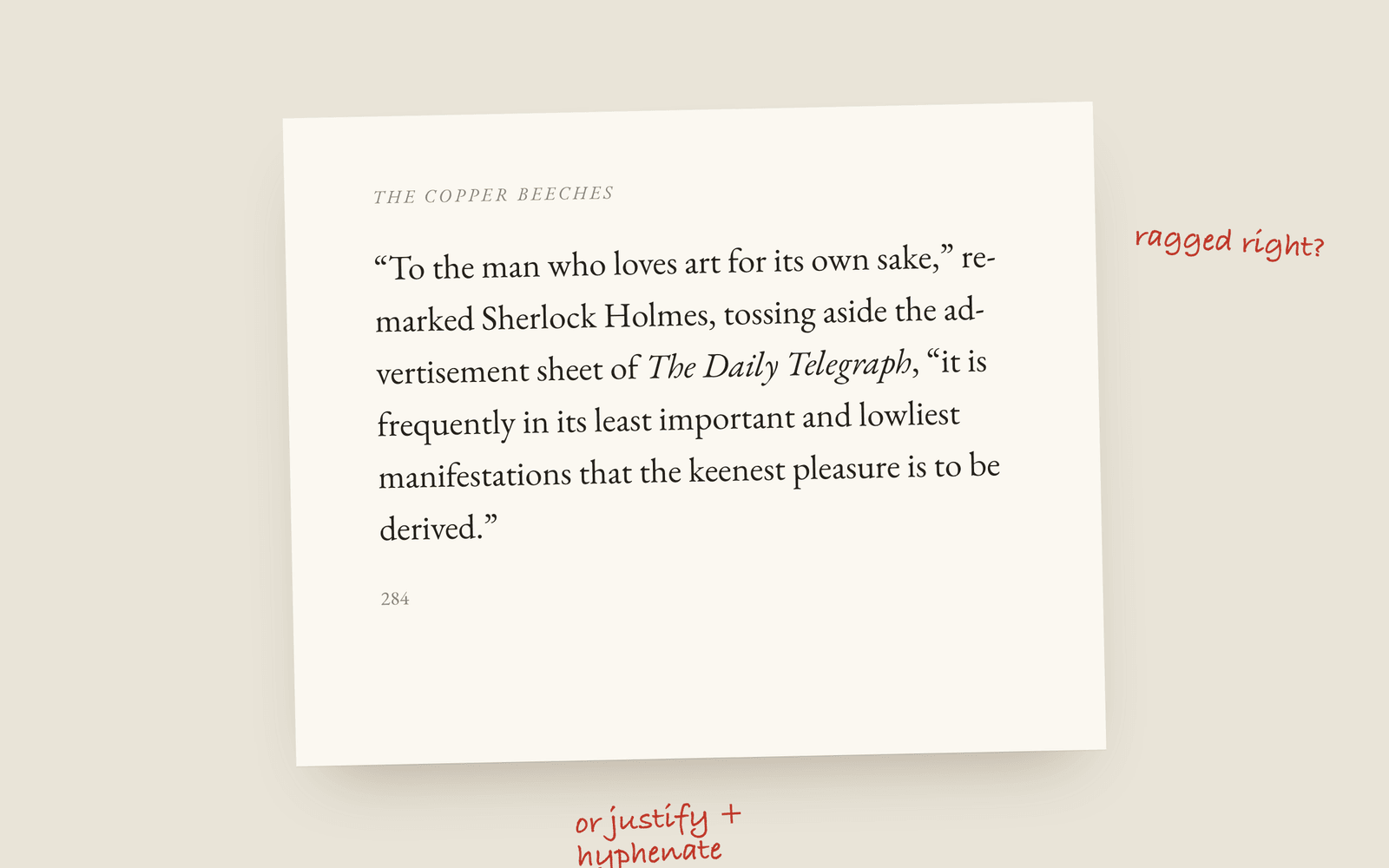
Most printed novels are justified, with both edges of the text straight. It looks like a book because almost every book does it. But justification only looks good with hyphenation and some care over word spacing, especially on a small trim. Ragged right is fine for a novel, it's more common in ebooks and literary presses, and it never gets rivers.
Pick up ten novels from a bookshop and nine of them will be justified: the text runs in a straight line down both sides of the page. It’s so standard that a ragged right edge on a printed novel can look like a mistake to readers, even though there’s nothing wrong with it.
So the default answer is justify. The real question is whether you can justify well, because bad justification looks worse than none.
What can go wrong
To get a straight right edge, the typesetter has to stretch or squeeze the spaces between words on every line. When a line has only a few words on it, those spaces get big. Stack a few loose lines on top of each other and you get rivers, white channels running down the paragraph that the eye follows instead of the words. You’ll see them in any book laid out in Word with justification switched on and nothing else.
Three things keep it under control:
- Hyphenation. Breaking the occasional long word at the end of a line keeps the spacing even. Justified text without hyphenation almost always has loose lines. Most books hyphenate, and readers don’t notice it unless there are three hyphens in a row.
- A wide enough line. The narrower the text block, the fewer words per line and the worse the gaps. A 5×8 paperback is harder to justify well than a 6×9.
- A limit on spacing. Good typesetting software will let a line go slightly loose rather than open up a gap you could drive a cart through.
When ragged right is better
Ragged right (left-aligned text with an uneven right edge) has a few things going for it. The word spacing is always the same, so there are no rivers. It doesn’t need hyphenation, so long words stay whole. And some designers think it reads more naturally, which is why you see it in a lot of literary fiction from small presses, and in most ebooks.
It’s a good choice if your trim is small, your language doesn’t have good hyphenation rules in your tool, or your book has a lot of long words (fantasy names, German compounds, URLs in a techno-thriller).
What matters most is picking one and using it for the whole book. A justified body with ragged dialogue looks like an accident.
Ebooks are different
In an EPUB the reader chooses the text size, so the line length changes every time someone pinches the screen. Most e-readers justify by default and let the reader turn it off, and Kindle in particular will do its own thing whatever you set. Don’t spend long on this for the ebook. Spend it on the print edition, where you control every line.
How Galley does it
Justify body text is a switch in book design, and it’s off by default. When it’s on, a second switch appears for hyphenation, which is on unless you turn it off. Hyphenation follows your book’s language (Galley has patterns for 35 of its 54 languages), so a German book breaks words the German way.
The print PDF limits how far a space can stretch, so a line that would open up a river is set slightly ragged instead. It also never hyphenates more than two lines in a row, and keeps the first and last line of a paragraph from being stranded on their own at a page break. The definitions are in the glossary under justified, ragged right and river, and choosing a trim size covers the other half of the decision.
More on design
- Drop Caps and Small Caps: How a Chapter Opens in a Printed NovelThe ways a novel's chapter can open: no indent, a drop cap, the first words in small capitals, and the conventions that make each one look right.
- Writing Software for Novelists Who Don't Write in EnglishHow to write and typeset a book in Arabic, Persian, Urdu, Hebrew, Hindi, Bengali, Thai, Japanese, Chinese, Korean, Russian, Greek or Vietnamese, which typeface each script gets, and what still needs building.
- The Best Fonts for a Novel Interior, and the Licence You NeedWhich typefaces novels are actually set in, the free open-licensed revivals of them, and why a font you own on your computer may not be licensed for your book.