Do You Need an ISBN to Self-Publish?
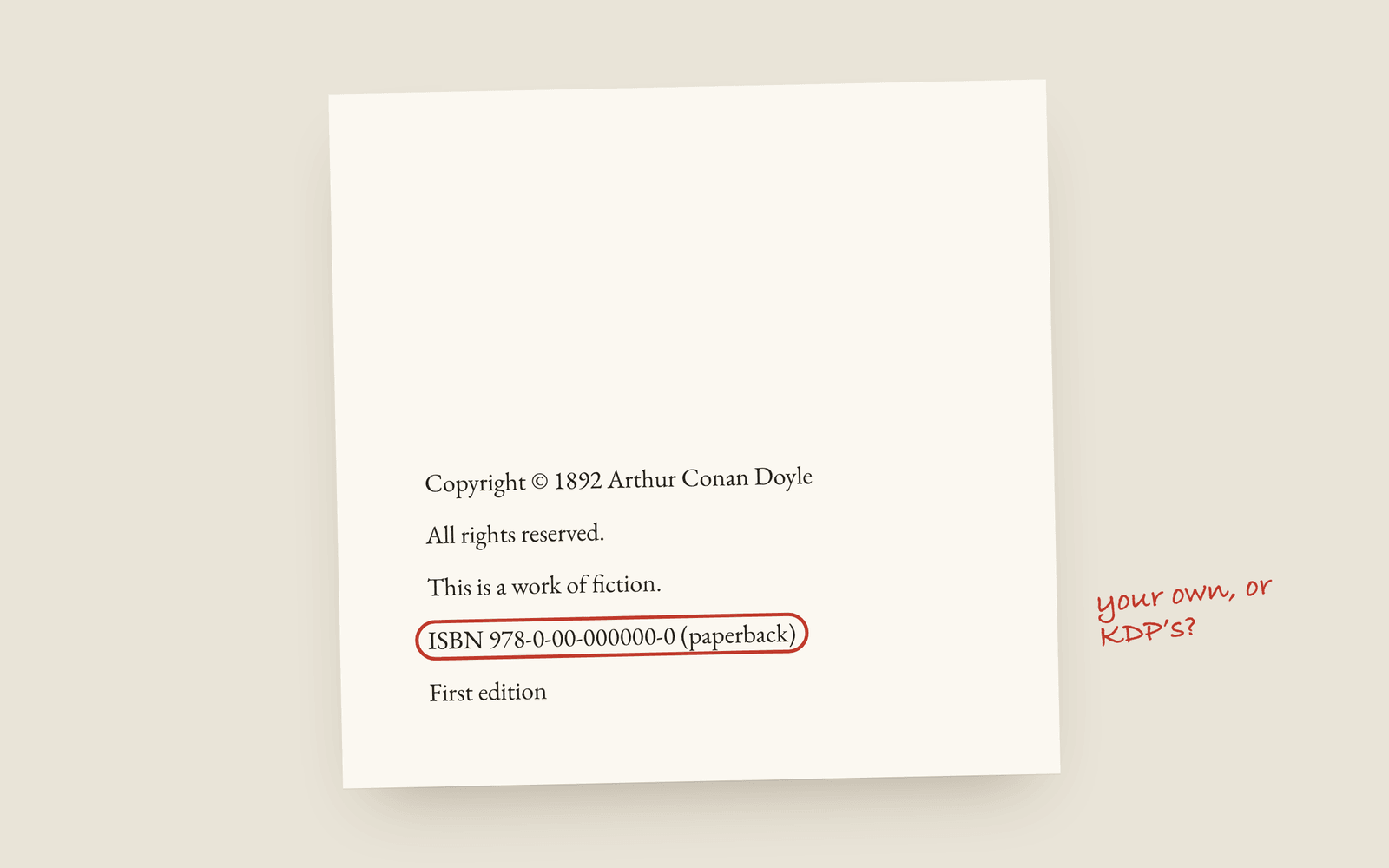
You don't have to buy an ISBN. KDP gives paperbacks a free one, and Kindle ebooks don't need one at all. But the free KDP ISBN lists Amazon's imprint as the publisher of record and can't be used anywhere else. If you want your own imprint on the book and the option to sell anywhere, buy your own. For one paperback sold only on Amazon, the free one is fine.
The ISBN question catches nearly every first-time self-publisher, mostly because the answer is “it depends” and nobody says on what. It depends on two things: where you’re selling, and whose name you want listed as the publisher.
What an ISBN is
An ISBN is a number that identifies one edition of one book. The important word there is edition. Your paperback and your ebook are different editions, so they need different ISBNs, and a hardback would be a third. It’s one number per format, not one per book.
The free KDP ISBN
KDP will give your paperback a free ISBN, and for a lot of people that’s fine. Two things to know before you take it:
- The publisher of record is Amazon’s imprint, not you.
- You can’t use it anywhere else. It’s tied to KDP, so you can’t take that edition to IngramSpark later without a new ISBN.
If your plan is one paperback, sold on Amazon, and you don’t mind whose imprint is in the record, the free one does the job.
Buying your own
Your own ISBN puts your imprint (or your name) on the record and goes with the book to any store or printer. You buy them from your country’s agency: Bowker in the US and Nielsen in the UK. In some countries, Canada for one, they’re free.
In the US the catch is the price. A single Bowker ISBN is expensive, but a pack of ten costs much less per book, and if you’re publishing more than one book, or one book in paperback, ebook and hardback, you’ll need several anyway. If you’re buying, buy a pack.
Ebooks
Kindle doesn’t need an ISBN. It uses Amazon’s own number, the ASIN, so you can publish a Kindle ebook without one. Some other stores prefer or require one. If you’re selling the ebook on several stores, your own ISBN keeps things simple.
The short version
An Amazon-only paperback, and you don’t mind the imprint: take the free one. You want your own imprint, or you want to sell anywhere: buy your own, in a pack.
How Galley does it
Your print and ebook ISBNs go on the book’s Metadata page. Galley puts them on the copyright page for you as a live field, so if you change one, the page changes too. If you have an ISBN in front of you, the free ISBN checker tells you whether the check digit adds up and converts between the 10 and 13 digit forms, and the barcode generator makes the barcode for the back cover.
More on publishing
- Kindle Unlimited Page Reads: How KENP PaysHow Kindle Unlimited pays authors through KENP page reads, roughly what a page is worth, how many KENP pages your novel is, and when a borrow beats a sale.
- KDP Royalties Explained: 35%, 70% and the Paperback MathsHow Amazon KDP pays for ebooks and paperbacks: the 35% and 70% ebook bands, the delivery fee, the paperback royalty and printing cost, and worked examples for a typical novel.
- The Copyright Page for a Novel, Line by LineWhat goes on the copyright page of a self-published novel, which lines are required, which are habit, and the wording most novels use.