The Best Book Writing Software for Self-Publishing Novelists (2026)
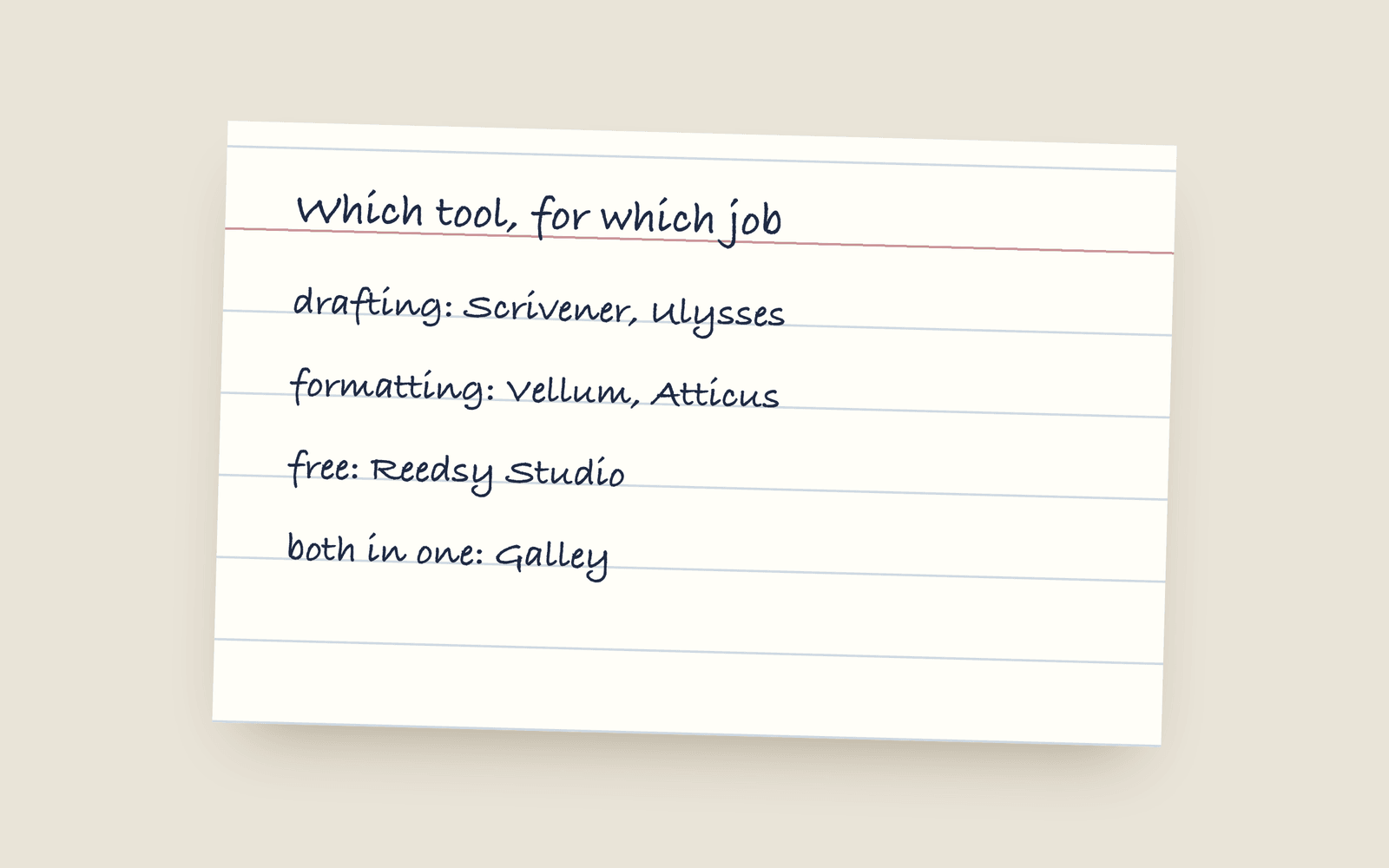
There's no single best writing app. There's the best one for your stage. Scrivener and Ulysses are for drafting, Vellum and Atticus are for formatting, Reedsy is a solid free start, and Galley does both drafting and print-ready output in one, paid once. This guide sorts each tool by the job it's good at, and names who should skip it.
Search “best book writing software” and you get ten listicles ranking the same twelve apps with the same affiliate links. There are no affiliate links here (I make one of these, so take that into account).
There isn’t a best app, only a best app for the job you’re stuck on. So here they are sorted by job, with a note on who each one isn’t for.
If you’re drafting
This is where you spend most of your time, so pick the one that’s comfortable to sit in.
- Scrivener. The deepest organiser there is. Corkboards, a binder, research folders, snapshots. If your book is complicated and you think in structure, it’s hard to beat. The catch is the compile step at the end, which takes a while to learn. Skip it if you find big, configurable software tiring. (full comparison)
- Ulysses. A beautiful Markdown writer that gets out of your way. Apple-only, subscription. Good if you’re all-Apple and want a plain, distraction-free editor. Not for you if you’re on Windows or you want to buy once. (full comparison)
- Dabble. Cloud-based, cross-platform, friendly, strong on plotting tools. Subscription, and the formatting output is basic. (full comparison)
If you’re formatting
A different job, with different tools. These turn a finished manuscript into a book.
- Vellum. Beautiful interiors, a one-time price, and the favourite of a lot of self-publishers. It’s Mac only, it’s $199.99 for ebooks or $249.99 with print, and you write the book somewhere else first. If you’re on Windows, see Vellum on Windows. (full comparison)
- Atticus. Write and format in one, cross-platform, one-time price. A real Vellum alternative if you’re not on a Mac. The writing side is fine rather than great. (full comparison)
If you want free
- Reedsy Studio. Good for a first book. Clean editor, decent EPUB and print export, free. The limit is that everything comes out looking like a Reedsy template and you can’t stray far from it. (full comparison)
If you want to do both in one tool
This is the gap the list above leaves. You draft in one app and format in another, and the two copies drift apart every time you fix a typo. (Scrivener vs Vellum is about exactly that handover.)
Galley does both. You write directly on the finished book page, in a real book typeface, at the trim size you’ll actually print. Your story bible sits next to the manuscript instead of in a separate app. And when you’re done, the same book exports a print-interior PDF, an EPUB, a KDP preflight, and watermarked beta-reader copies, with no compile step in the middle.
It’s €199, paid once. Every feature, every future update, unlimited books, no subscription. There’s no AI in your prose, and if Galley ever shut down you’d get six months’ notice and full exports.
If you already own Scrivener and Vellum and you’re happy, you don’t need to switch. Galley is for people who don’t want to buy, learn, and sync two separate tools just to publish one book.
See the full comparison hub for a tool-by-tool breakdown, or try the demo first. It’s the real app, no sign-up.
More on guides
- Vellum on Windows: Your Actual OptionsVellum only runs on a Mac and its makers have said that won't change. Here are the real options if you're on Windows: renting a Mac, buying a cheap one, or using a formatting tool that runs anywhere.
- Book Writing Software Without a SubscriptionEvery serious book writing and formatting tool you can buy once instead of renting, what each one costs, and the subscription tools that also sell a lifetime licence.
- How to Back Up a Novel ProperlyWhy a single copy in the cloud isn't a backup, the 3-2-1 rule in plain terms for a novelist, and the formats your manuscript should be saved in so you can open it in twenty years.