Scrivener vs Vellum: Which One Does What
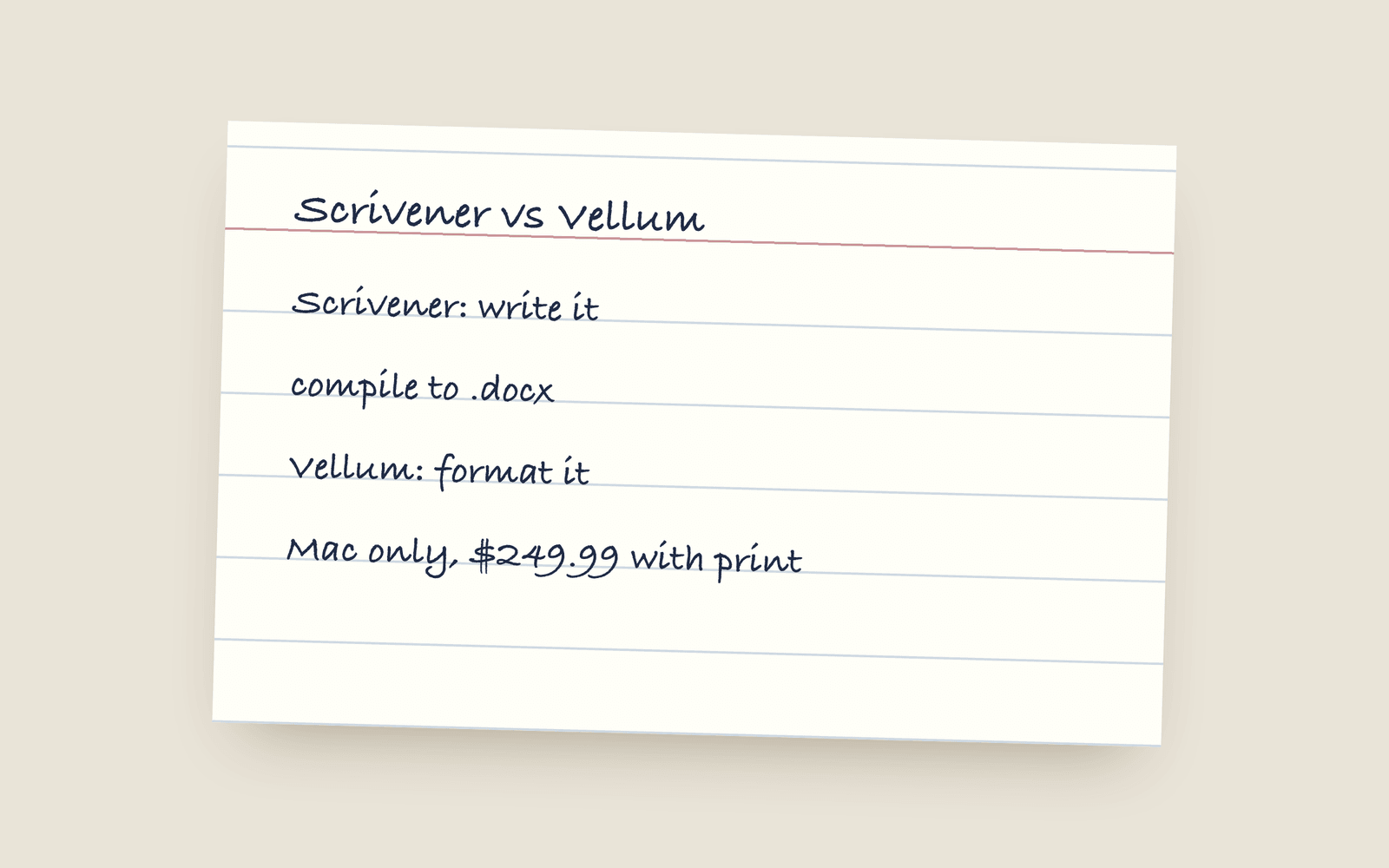
Scrivener is a drafting tool: you write and organise the book in it, and it has a compile step for output that most people find hard. Vellum is a formatting tool: you import a finished manuscript and it makes a beautiful print PDF and ebook, but you can't write in it. Many self-publishers use both. Scrivener runs on Mac and Windows; Vellum is Mac only.
People ask “Scrivener or Vellum?” as if they were two answers to the same question. They aren’t. Scrivener is where you write a book. Vellum is where you turn a finished manuscript into a book. A lot of self-published authors use both, one after the other.
What Scrivener is for
Scrivener (about $59.99 once per platform, with the iOS version sold separately) is a drafting app. Your book is a binder of documents you can split, reorder and tag. It has a corkboard, an outliner, research folders that hold PDFs and web pages, snapshots, targets, and a lot of settings. It’s been around since 2007 and it’s very good at what it does, especially for long books with a lot of research.
Where it’s weak is output. To get a book out of Scrivener you run Compile, which means choosing a format, assigning layouts to each type of section, and adjusting separators, front matter and fonts until it looks right. It can make a print PDF and an EPUB, but most fiction writers find compile hard to learn, and there are paid courses about it.
It runs on Mac, Windows and iOS, saves local files, and works fully offline.
What Vellum is for
Vellum ($199.99 for ebooks, $249.99 with print, once) is a formatting app. You import a finished Word document, pick a theme, and it makes a print PDF and ebook files that look professional with almost no effort. Its themes are the reason it has such a good reputation.
You can’t write a book in it. You can fix typos, but it isn’t built for drafting. And it only runs on a Mac.
How people use them together
The common workflow is:
- Write and revise in Scrivener.
- Compile a plain manuscript to Word (.docx), not a styled one.
- Import the .docx into Vellum, pick a theme, and export.
That works well. The problem is step three happening at the very end. When you find a typo in the proof, you have to decide whether to fix it in Vellum (and now your two copies are different) or in Scrivener (and compile and import again). Most people end up with the “real” book living in Vellum and a Scrivener project that’s slightly out of date. There’s a post on getting a Scrivener project into Word for step two.
Side by side
| Scrivener | Vellum | |
|---|---|---|
| What it’s for | Writing and organising | Formatting a finished book |
| Price | ~$59.99 once per platform | $199.99 ebooks, $249.99 with print |
| Runs on | Mac, Windows, iOS | Mac only |
| Write in it | Yes | No |
| Print PDF and EPUB | Through Compile | Yes, and it’s known for it |
| Research storage | Excellent | None |
The third option
The reason I built Galley is that I didn’t want the handover in the middle. In Galley you write on the formatted page from the first sentence, at your trim size and in your typeface, and exporting the print PDF and EPUB is a menu, so there’s one copy of the book and nothing to import at the end. It runs in the browser, so Windows is fine. It doesn’t store research PDFs the way Scrivener does, and it doesn’t have Vellum’s range of themes, and the comparisons are honest about both: Scrivener and Vellum. If you’re still choosing a tool at all, there’s the best book writing software roundup.
More on guides
- Vellum on Windows: Your Actual OptionsVellum only runs on a Mac and its makers have said that won't change. Here are the real options if you're on Windows: renting a Mac, buying a cheap one, or using a formatting tool that runs anywhere.
- The Best Book Writing Software for Self-Publishing Novelists (2026)A no-hype guide to the writing tools novelists actually use (Scrivener, Vellum, Atticus, Ulysses, Dabble, Reedsy, and Galley), sorted by what you need each one to do.
- Book Writing Software Without a SubscriptionEvery serious book writing and formatting tool you can buy once instead of renting, what each one costs, and the subscription tools that also sell a lifetime licence.