Does Scrivener Use AI? And Which Writing Apps Do
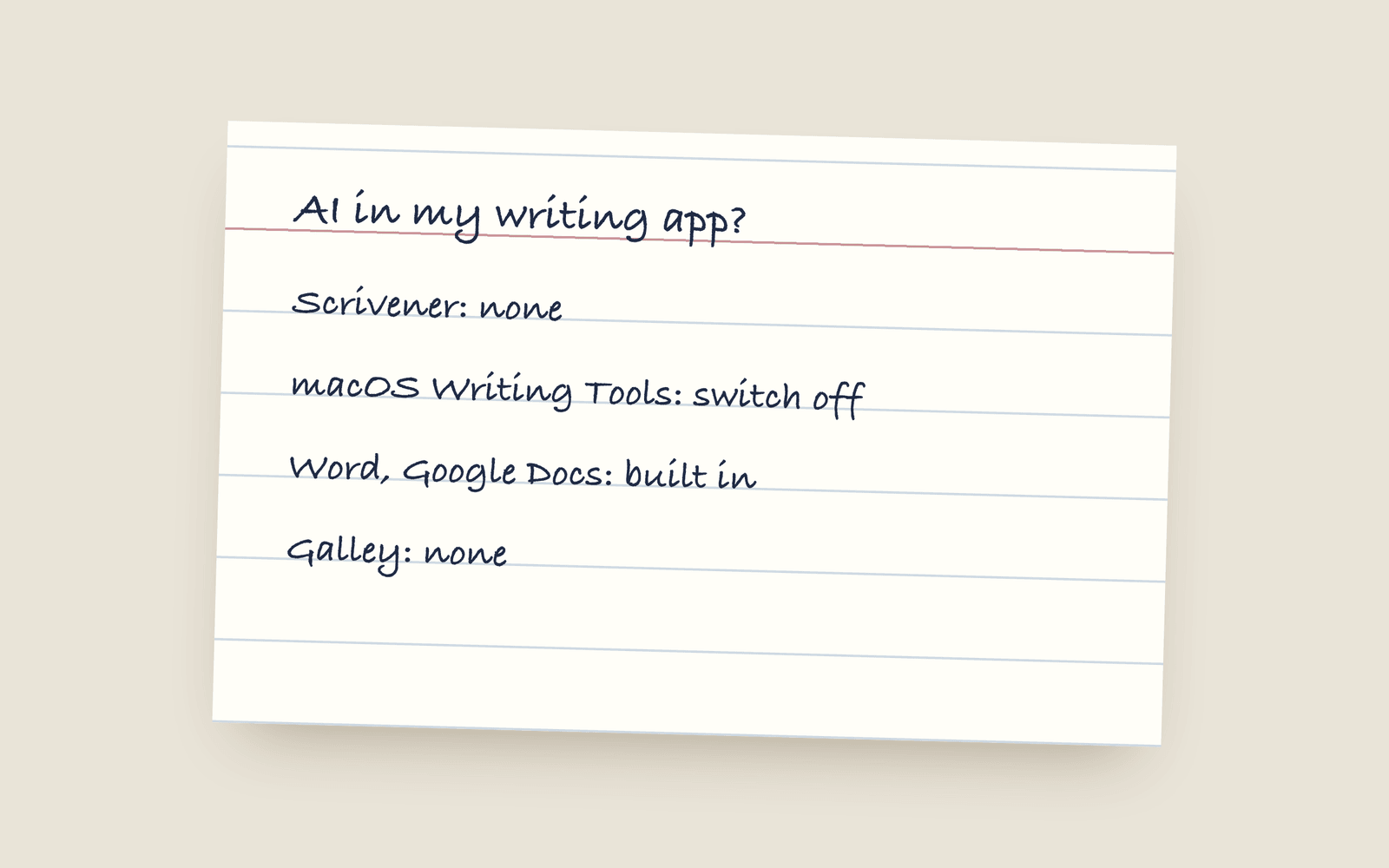
Scrivener itself contains no AI, and Literature & Latte says it doesn't send your text anywhere. The AI prompts some Mac users see inside Scrivener come from macOS (Apple Intelligence), not from Scrivener, and you can switch them off in System Settings. Word and Google Docs now have AI built in for many plans. Ulysses, Novlr and The Novel Factory don't. Sudowrite is built around it.
If you write in Scrivener on a Mac and you’ve seen a little “Writing Tools” menu offering to rewrite your paragraph, you’re not imagining it. But it isn’t Scrivener.
Scrivener itself
Literature & Latte, who make Scrivener, say Scrivener contains no artificial intelligence and doesn’t send your text off your computer. Their blog post on the subject explains where the prompts come from. Their stated position is that whether to use AI tools is up to each writer, and they haven’t built any into the app.
Where the AI prompts come from
On a Mac running macOS 15 or later, Apple Intelligence adds Writing Tools to almost every text field in every app, including Scrivener, Word, Pages and your browser. Select some text and it’ll offer to proofread, rewrite or summarise it. That’s macOS, not the app you’re typing in.
If you don’t want it:
- Open System Settings.
- Go to Apple Intelligence & Siri.
- Turn Apple Intelligence off.
Windows has its own version of this with Copilot, which you can turn off in Windows settings, and some keyboards and browser extensions (Grammarly, for one) add their own.
Where the other apps stand
| App | AI in it? |
|---|---|
| Scrivener | No. macOS may add Apple’s Writing Tools on top. |
| Microsoft Word | Yes, Copilot is built in for many Microsoft 365 plans. |
| Google Docs | Yes, Gemini is built in for many Google Workspace plans. |
| Ulysses | No. |
| Novlr | No, and they’ve said publicly they won’t add generative AI. |
| The Novel Factory | No. Its site says it’s AI-free and always will be. |
| Novelium | It doesn’t write prose, but it does use AI to read your manuscript and check consistency. |
| Sudowrite | Yes, it’s an AI writing tool. That’s the product. |
| Galley | No. |
These change. AI features get added to apps all the time, so check the current terms of anything you use, especially the part about whether your text is used for training. There’s a longer post on whether your writing is being used to train AI, with how to check.
Does it matter?
That’s your call. Plenty of writers use AI tools and plenty won’t touch them. What matters is knowing which is which, so that a tool doesn’t start rewriting your sentences or reading your manuscript without you deciding it should.
How Galley does it
Nothing in Galley writes, rewrites, suggests or finishes a sentence, and your book isn’t used to train any AI model, mine included. The tools that count overused words, check name spellings and typeset the page are ordinary code that gives the same answer every time. Your spellcheck is your browser’s own dictionary, so your words don’t leave your machine to be checked.
Galley can’t stop your operating system from adding its own tools to the page, the same as Scrivener can’t, so the steps above apply to Galley too. The no-AI post has the reasoning, and the Sudowrite comparison is the honest version of the other side.
More on guides
- Vellum on Windows: Your Actual OptionsVellum only runs on a Mac and its makers have said that won't change. Here are the real options if you're on Windows: renting a Mac, buying a cheap one, or using a formatting tool that runs anywhere.
- The Best Book Writing Software for Self-Publishing Novelists (2026)A no-hype guide to the writing tools novelists actually use (Scrivener, Vellum, Atticus, Ulysses, Dabble, Reedsy, and Galley), sorted by what you need each one to do.
- Book Writing Software Without a SubscriptionEvery serious book writing and formatting tool you can buy once instead of renting, what each one costs, and the subscription tools that also sell a lifetime licence.